PhotoBooth Printer Installation
Connecting the PhotoBooth Printer to Virtuo
TouchTunes PhotoBooth Installation and Setup Guide 900757-001 Rev 00
23
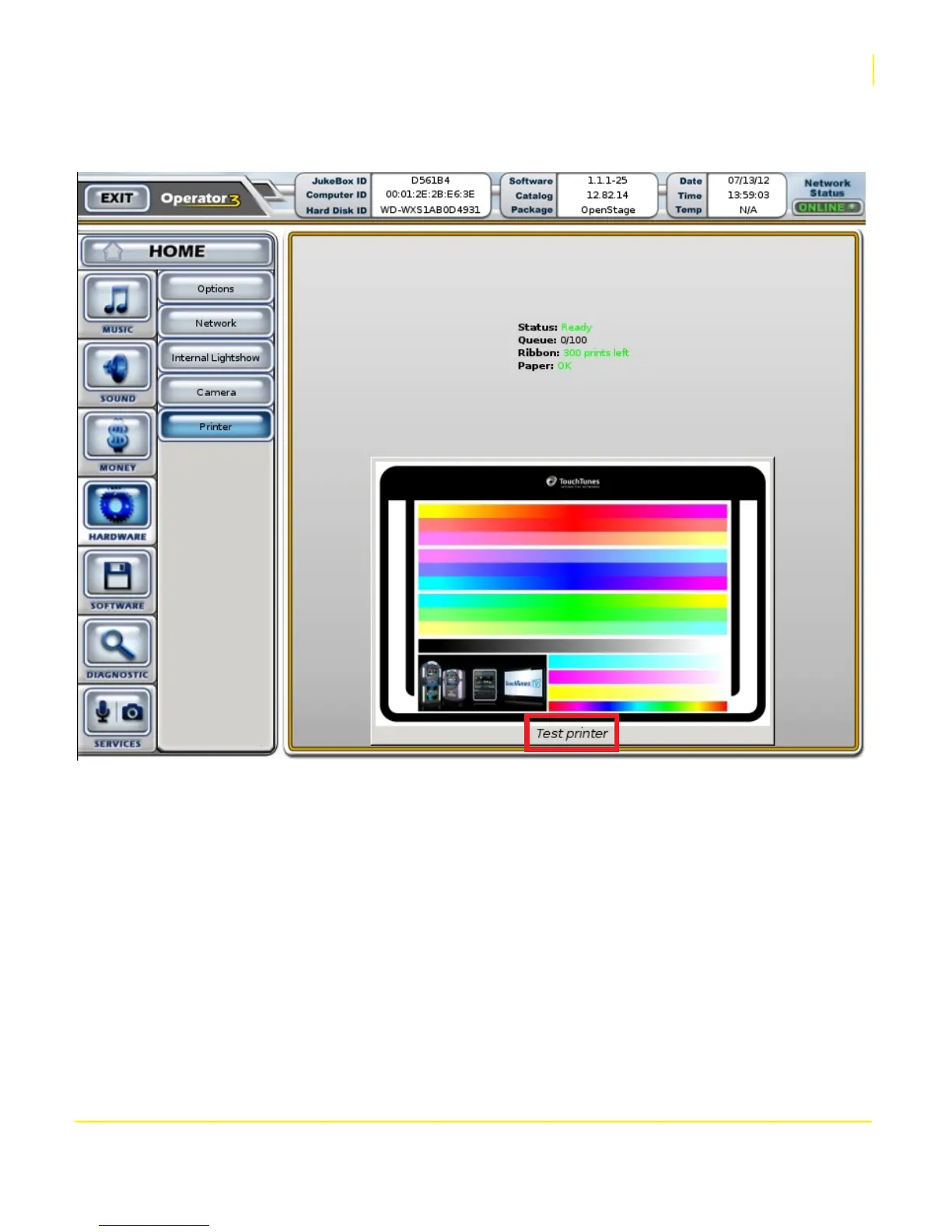
4. Within a few moments, the printer will be detected (it is not necessary to reboot the Virtuo), and the number of
prints remaining on the current paper roll and ink ribbon remaining will appear onscreen.
5. To print the onscreen image directly from the Operator Menu and test the printer, touch the Test Printer button.
NOTE: If you are adding a printer after having run PhotoBooth as a digital only service, and you would like to adjust
the PhotoBooth surcharges for printed images, see To Turn PhotoBooth ON and Set the PhotoBooth Surcharges: in
chapter 2.


 To Next Page