TouchTunes PhotoBooth Installation and Setup Guide
PhotoBooth Printer Installation
Connecting the PhotoBooth Printer to Virtuo
22
Connecting the PhotoBooth Printer to Virtuo
1. Press the Manager button on the Virtuo to enter the Operator Menu.
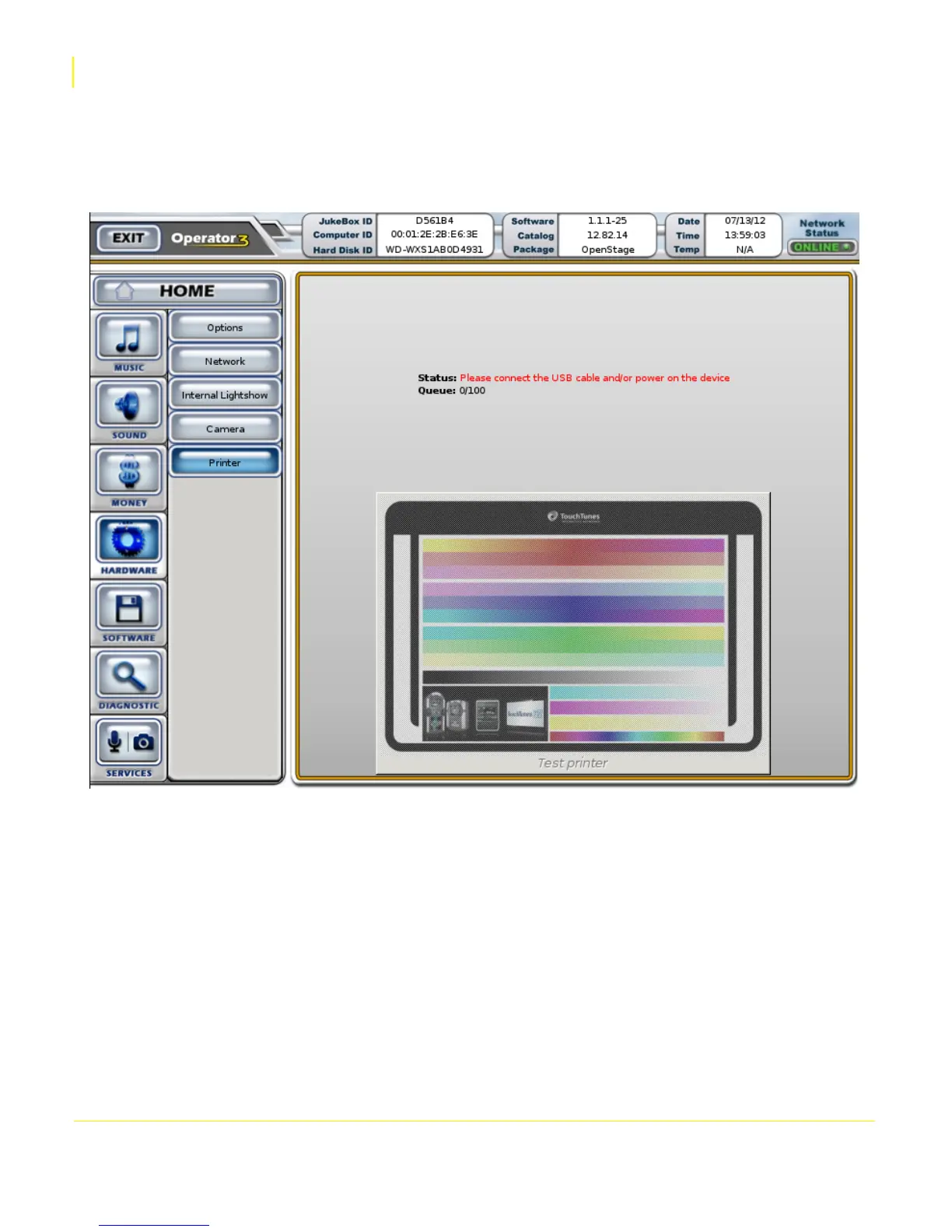
2. Navigate to the Hardware > Printer page.
The screen will show a faded test pattern and prompt you to connect a PhotoBooth printer.
3. Plug the printer’s USB cable into an open USB port on the Virtuo’s computer.


 To Next Page