2 of 12
Before You Begin:
Activation of Playdium requires a broadband Internet
connection. If you do not have access to a working
Internet connection, do not attempt installation and setup
of Playdium, as you will not be able to complete the
process.
Step 1: Move the carton as close as possible to
the intended mounting location
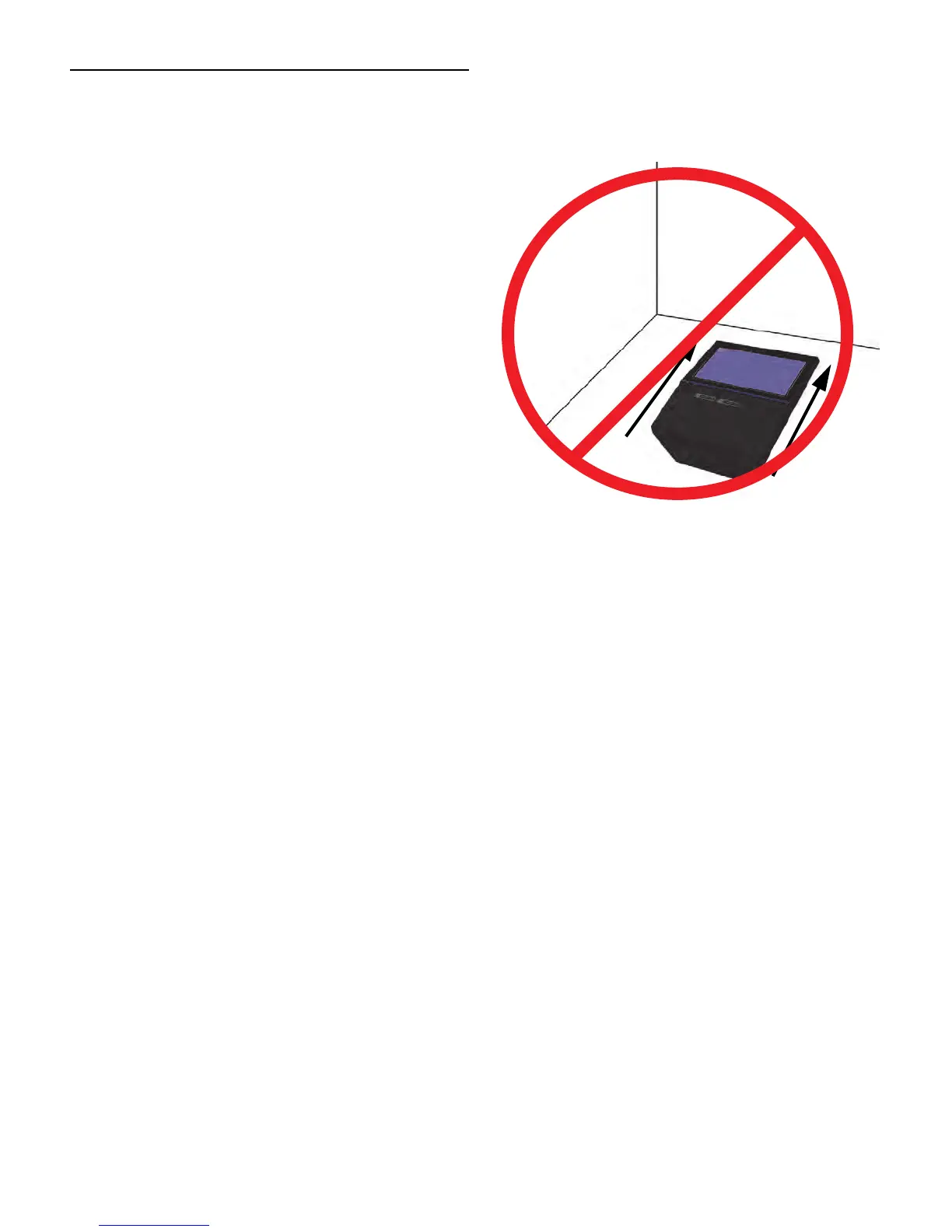
Move Playdium while it is still in its packaging.
DO NOT SLIDE OR DRAG THE UNCRATED PLAYDIUM
ALONG THE FLOOR!
Step 2: Unpack Playdium
Carefully open the packaging, and remove the foam forms
that protect the jukebox.
Step 3: Determining Where Playdium Will Be
Installed
Important: When installing in a location where there is an
intersecting wall to the right, ensure that you allow at least
10 inches of clearance between the wall and Playdium to
allow easy access to the lock mechanism.
1. On the wall where Playdium is to be installed,
measure 68 inches (5’ 8”) from the floor and mark this
measurement. This will indicate where the top of the
jukebox chassis needs to go.
Important: Additional electrical and safety requirements
appear on the Playdium Product Label located at the
bottom of the rear enclosure, behind the payment door.
• Read these instructions.
• Keep these instructions.
• Heed all warnings.
• Follow all instructions.
Clean only with dry cloth.
Do not block any ventilation openings. Install in
accordance with the manufacturer’s instructions.
Do not install near any heat sources such as
radiators, heat registers, stoves, or other
apparatus (including amplifiers) that produce
heat.
Protect the power cord from being walked on or
pinched particularly at plugs, convenience
receptacles, and the point where they exit from
the apparatus.
Only use attachments/accessories specified by
TouchTunes.
Unplug this apparatus during lightning storms or
when unused for long periods of time.
Refer all servicing to qualified service personnel.
Servicing is required when the apparatus has
been damaged in any way, such as power-supply
cord or plug is damaged, liquid has been spilled or
objects have fallen into the apparatus, the
apparatus has been exposed to rain or moisture,
does not operate normally, or has been dropped.



 To Next Page