25
1. Open the door.
• Oven stops operating.
• You can restart the oven by closing the door and pressing the START/SPEEDY COOK button.
2. Press the STOP/CLEAR button.
• Oven stops operating.
• If you wish to cancel the cooking settings, press the STOP/CLEAR button again.
TO STOP THE OVEN WHILE THE OVEN IS OPERATING
1. Push the STOP/CLEAR button.
“ :0” appears in the display.
2. Press the and hold the STOP/CLEAR button until display is turned off.
3. To cancel STANDBY POWER "0" mode, press and hold ZERO ON button until display is turned on and beep sounds.
The oven is again available for normal use.
TO SET STANDBY POWER "0" MODE
If you see arcing, press the STOP/CLEAR button and correct the problem.
Arcing is the microwave term for sparks in the oven. Arcing is caused by:
• Metal or foil touching the side of the oven.
• Foil not molded to food (upturned edges act like antennas).
• Metal, such as twist-ties, poultry pins, or gold rimmed dishes, in the microwave.
• Recycled paper towels containing small metal pieces being used in the microwave.
ARCING
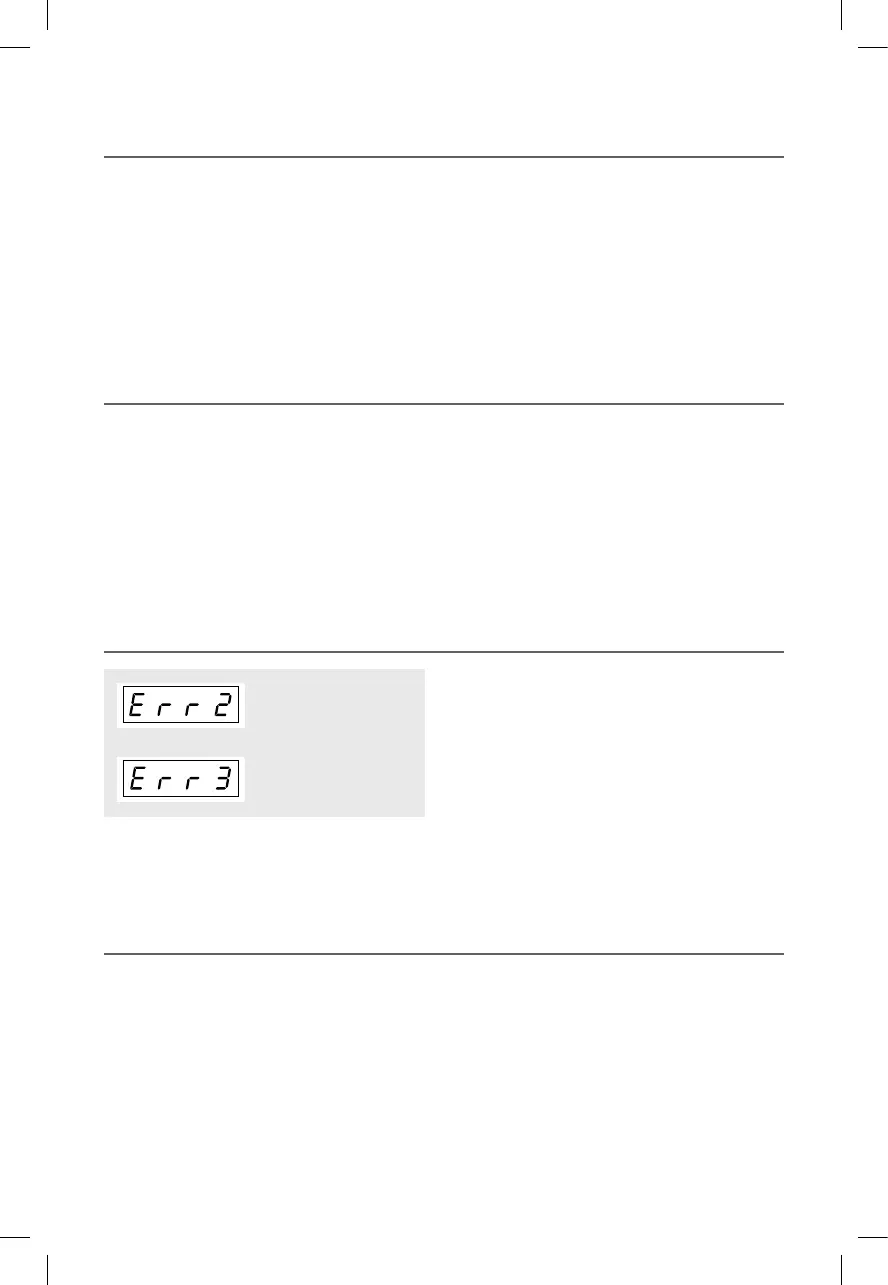
• If the inside temperature of the oven is higher than expected or
the temperature sensor doesn't work properly, “Err 2” message
will be shown in the display.
• Unplug the power and call our technical service.
• When the temperature sensor is disconnected, “Err 3” message
will be shown in the display.
• Unplug the power and call our technical service.
ABNORMAL MESSAGE
RKW(TOWER)_KOC9C5TT(KOC9Q5TTTUB017USC5)(�)_A5.indd 25 2020-07-17 �� 5:25:48


 To Next Page