409
5-9. Bluetooth
®
phone
5
Audio system
HIGHLANDER_U (OM48F09U)
■
Displaying the “Messaging Settings” screen in a different way
Display the phone screen. (P. 386)
Select .
Select “Settings”.
Display the “Phone/Message Settings” screen. (P. 400)
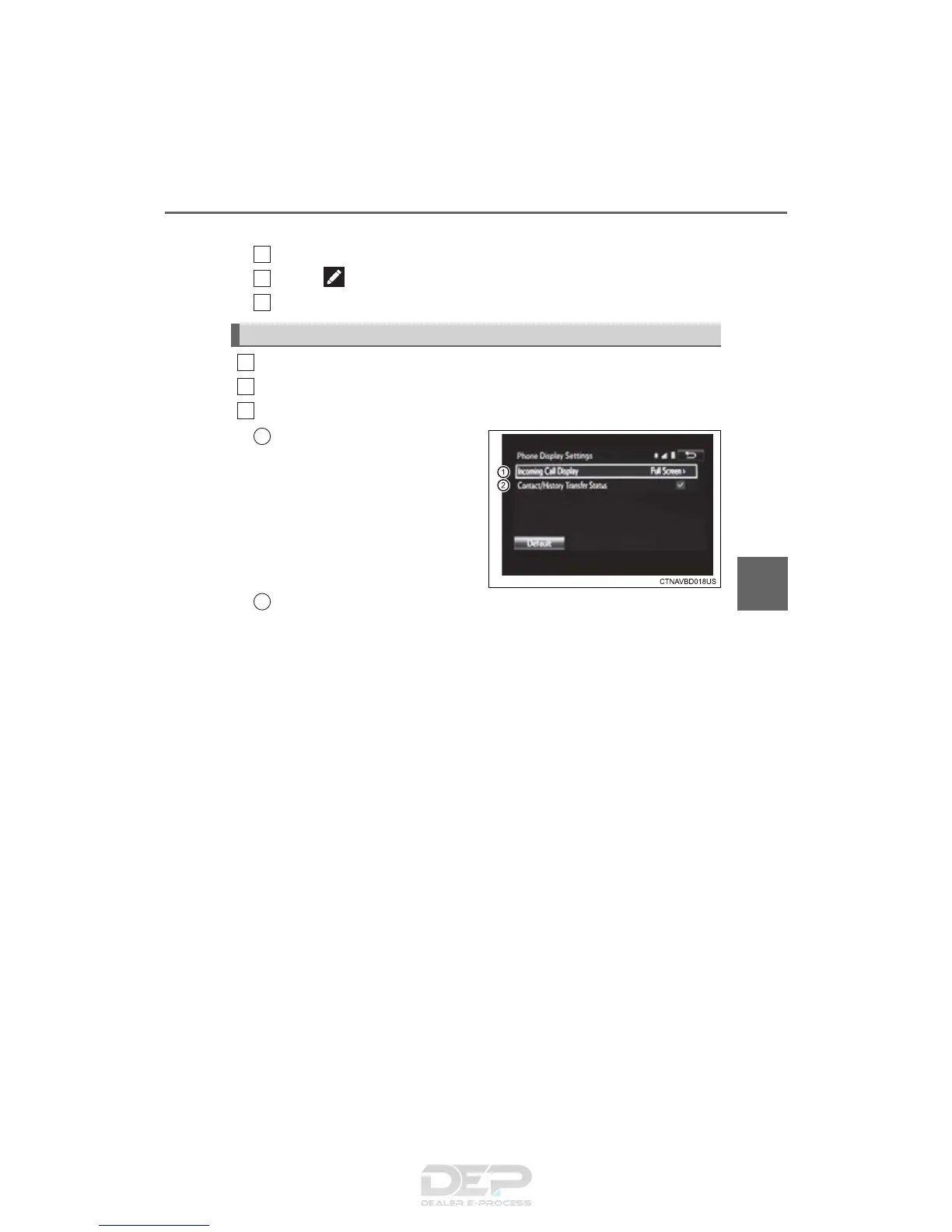
Select “Phone Display Settings”.
Select the desired item to be set.
Change the incoming call
display.
“Full Screen”: When a call is
received, the hands-free screen
is displayed and can be oper-
ated on the screen.
“Drop-Down”: A message is dis-
played on the upper side of the
screen.
Set display of the contact/
history transfer completion
message on/off.
Phone Display Settings
1
2
3
1
2
3
1
2















 To Next Page