367
5-2. Using the audio system
Corolla_TMMT_EE (OM12F04E)
5
Interior features
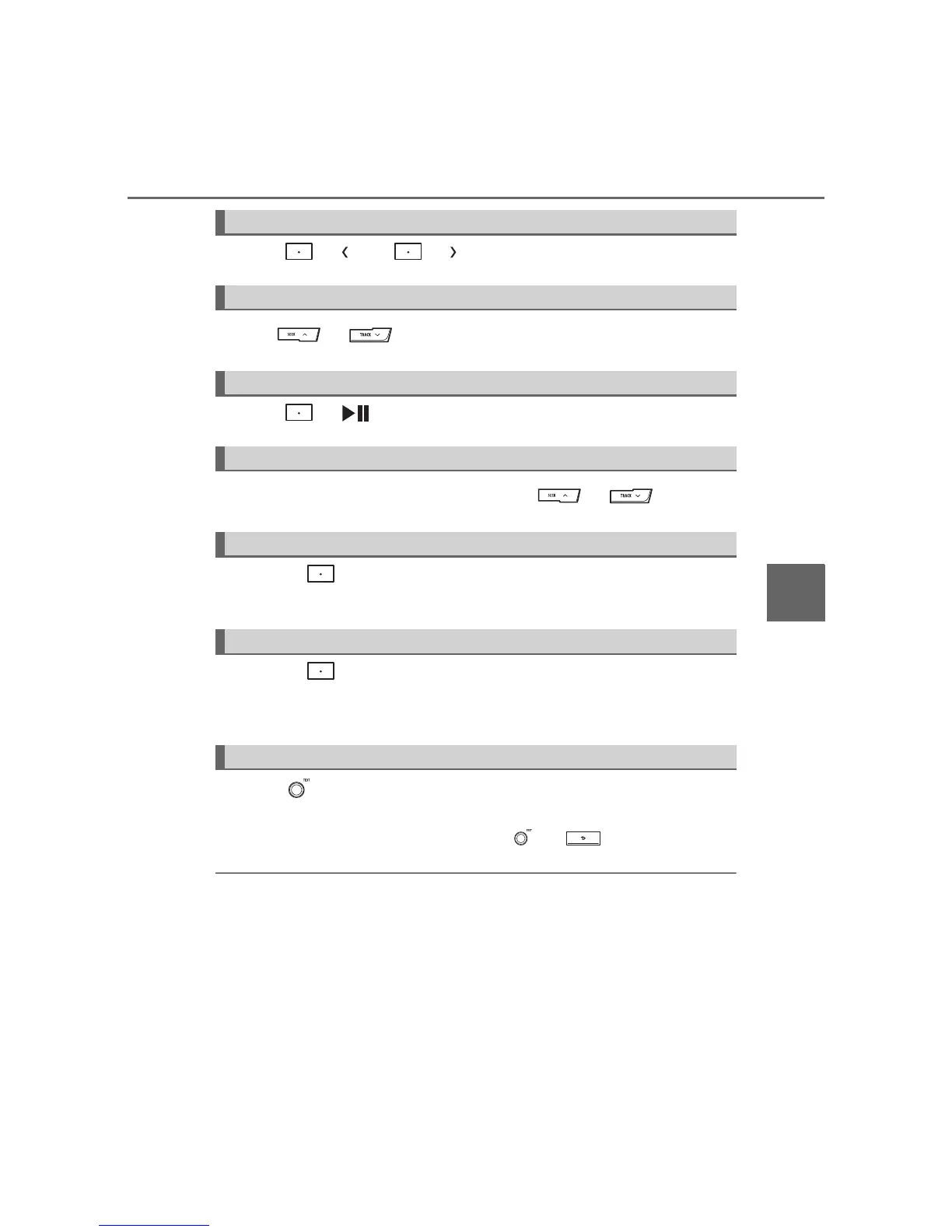
Press ( ) or ( ) to select the desired album.
Press or to select the desired track.
Press ( ) to play or pause a track.
To fast-forward or reverse, press and hold or .
Pressing (RDM) changes modes in the following order:
Album random All track random Off
Pressing (RPT) changes modes in the following order:
Track repeat Album repeat
* Off
*: Available except when RDM (random playback) is selected
Press .
Track title and Artist name are displayed on the display.
To return to the previous display, press or .
Bluetooth
®
audio system functions
Depending on the portable player that is connected to the system, certain
functions may not be available.
Selecting an album
Selecting a track
Playing and pausing a track
Fast-forwarding and reversing a track
Random playback
Repeat play
Switching the display








 To Next Page