98
2. Instrument cluster
Corolla_TMMT_EE (OM12F04E)
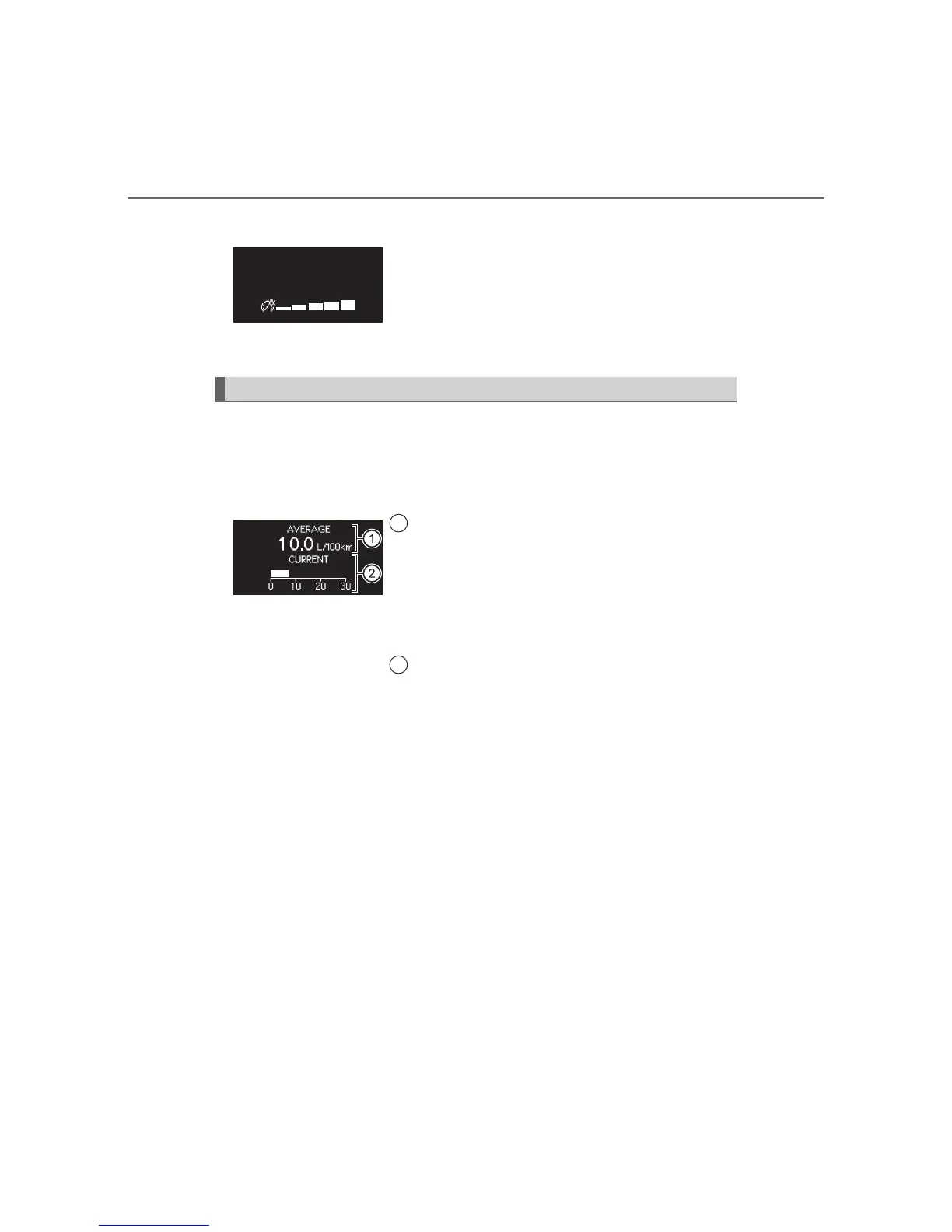
Meter light control display
Displays the driving range, average fuel consumption and other cruis-
ing related information. The display can be switched by pressing the
“DISP” button/“DISP” switch.
Average fuel consumption and current fuel consumption
Displays the meter light control display
• Press and hold the display change button to
reset will adjust the brightness of the meter light
when the tail lights are on.
• This screen is only displayed when the tail
lights are on.
Driving monitor
Displays the average fuel consumption
since the function was reset
• Press and hold the “DISP” button/“DISP” switch
to reset when the average fuel consumption is
displayed.
• Use the displayed average fuel consumption as
a reference.
Displays the current rate of fuel consump-
tion
Use the displayed current fuel consumption as a
reference.
1
2







 To Next Page