TOYOTA ─ Remote Engine Starter Page 24
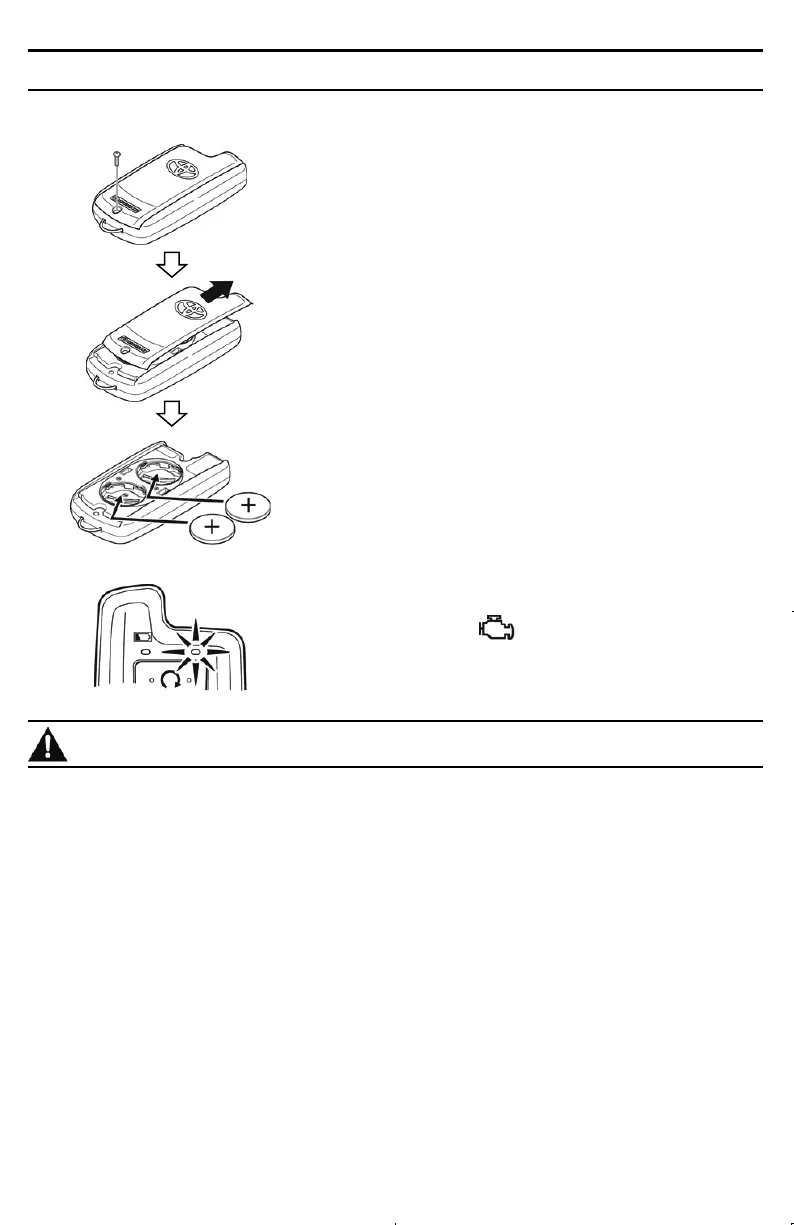
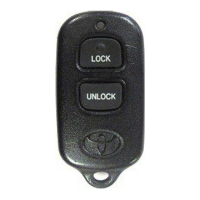
ACCESSORY REMOTE CONTROL - BATTERY REPLACEMENT
Use two coin-type lithium batteries, Model CR2032.
STEP 1. Using a small Phillips jeweler's screwdriver
remove the screw and then the battery cover.
NOTE: Do not lose the removed screw.
STEP 2.
Remove the battery cover, and then remove
the two batteries.
NOTE:
When removing the battery cover, do not
damage the hook on the rear surface.
STEP 3. With the (+) mark facing up, insert the two
new batteries. Attach the battery cover, and then
tighten the screw.
NOTE: Always replace with two new batteries.
Furthermore, to prevent poor contact, wipe the
batteries well with a dry cloth before replacement.
STEP 4.
Press the button, and make sure that
the green LED flashes.
Caution
・ Keep battery out of reach of children and in original package until ready to use. Dispose
of used battery promptly. If it is swallowed, consult a doctor immediately.
・ Do not leave the battery near fire or under direct sunlight. A fire, explosion or excessive
heat generation may result.
・ The lithium battery may explode if incorrectly replaced. Replace only with the same or
equivalent type.
・ Do not pinch the battery with, for example, metal tweezers. The battery may short and
generate heat.



 To Next Page