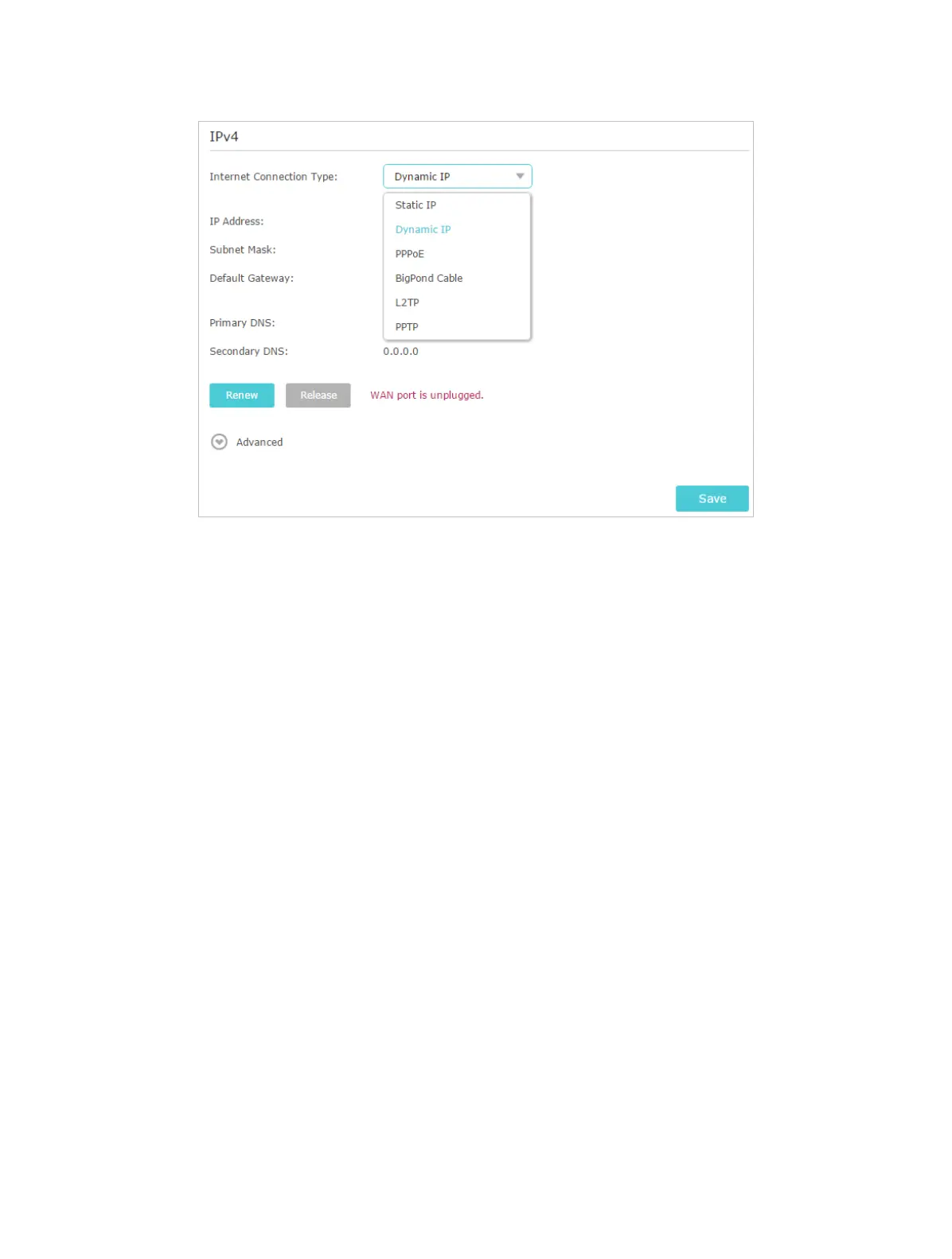
110
6 ) Restart the modem and the router again.
• Please upgrade the firmware of the router.
If you’ve tried every method above but still cannot access the internet, please contact
the technical support.
Q6. What should I do if I cannot find my wireless network or I cannot
connect the wireless network?
If you fail to find any wireless network, please follow the steps below:
• Make sure the wireless function of your device is enabled if you’re using a laptop with
built-in wireless adapter. You can refer to the relevant document or contact the laptop
manufacturer.
• Make sure the wireless adapter driver is installed successfully and the wireless
adapter is enabled. You can refer to the relevant document or contact the wireless
adapter manufacturer.
If you can find other wireless network except your own, please follow the steps below:
• Check the WLAN LED indicator on your wireless router/modem.
• Make sure your computer/device is still in the range of your router/modem. Move it
closer if it is currently too far away.
• Go to Advanced > Wireless > Wireless Settings, and check the wireless settings.
Double check your Wireless Network Name and SSID is not hided.













 To Next Page