32
Chapter 6
Wireless Settings
6. 4. Advanced Wireless Settings
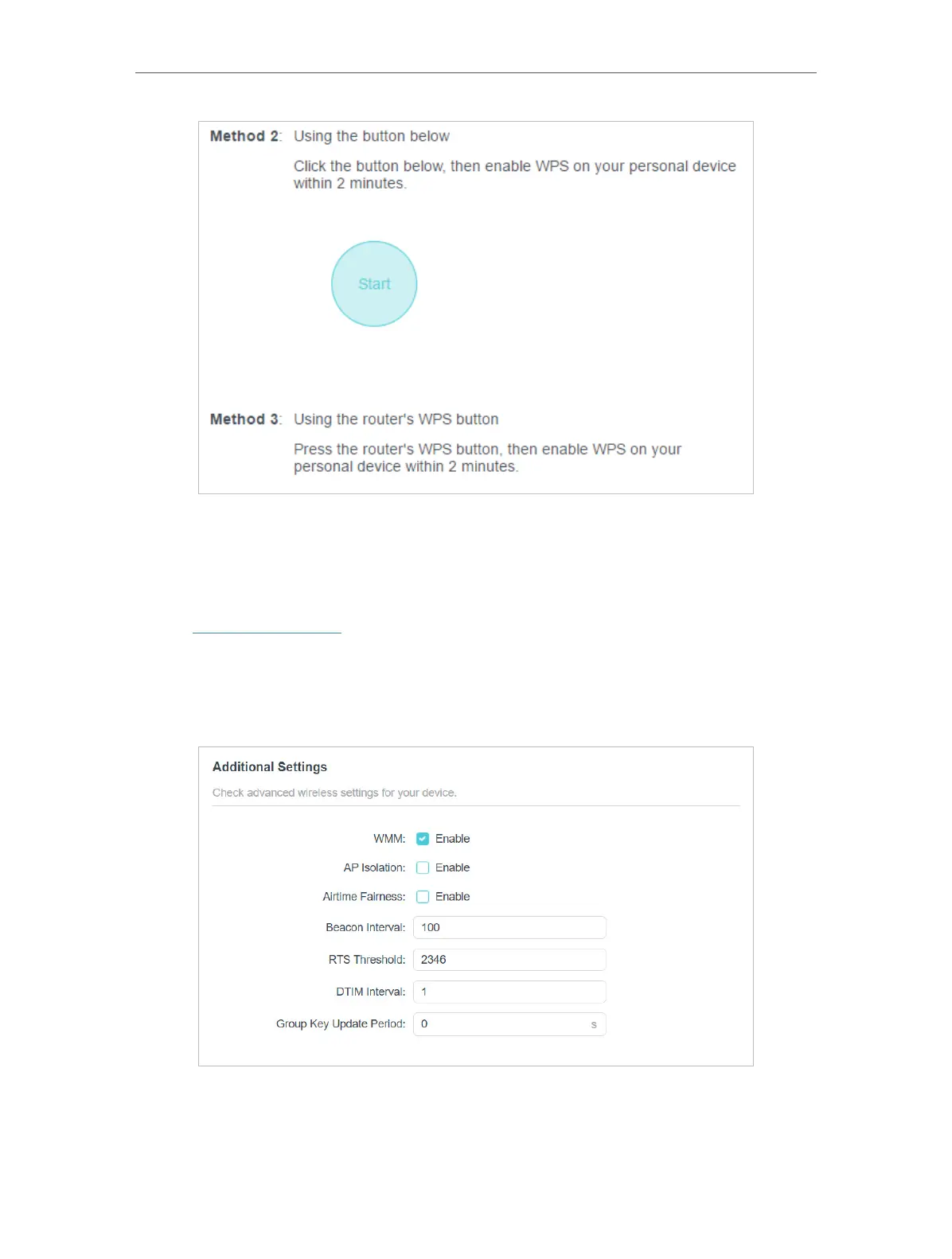
Check advanced wireless settings for your device.
1. Visit http://tplinkwifi.net, and log in with your TP-Link ID or the password you set for
the router.
2. Go to Advanced > Wireless > Additional Settings.
3. Configure advanced wireless settings.
• WMM - WMM function can guarantee the packets with high-priority messages being
transmitted preferentially.






 To Next Page