5
Chapter 1
Get to Know About Your Router
Item Description
Power On/Off Button Press this button to power on or off the router.
Power Port For connecting the router to power socket via the provided power adapter.
WiFi Button
Press and hold the WiFi button for about 2 seconds to turn on or off the
wireless function of your router.
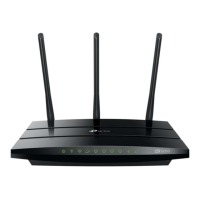
Antennas
Used for wireless operation and data transmit. Upright them for the best Wi-
Fi performance.














 To Next Page