09
Chapter 3
Use Your Adapter
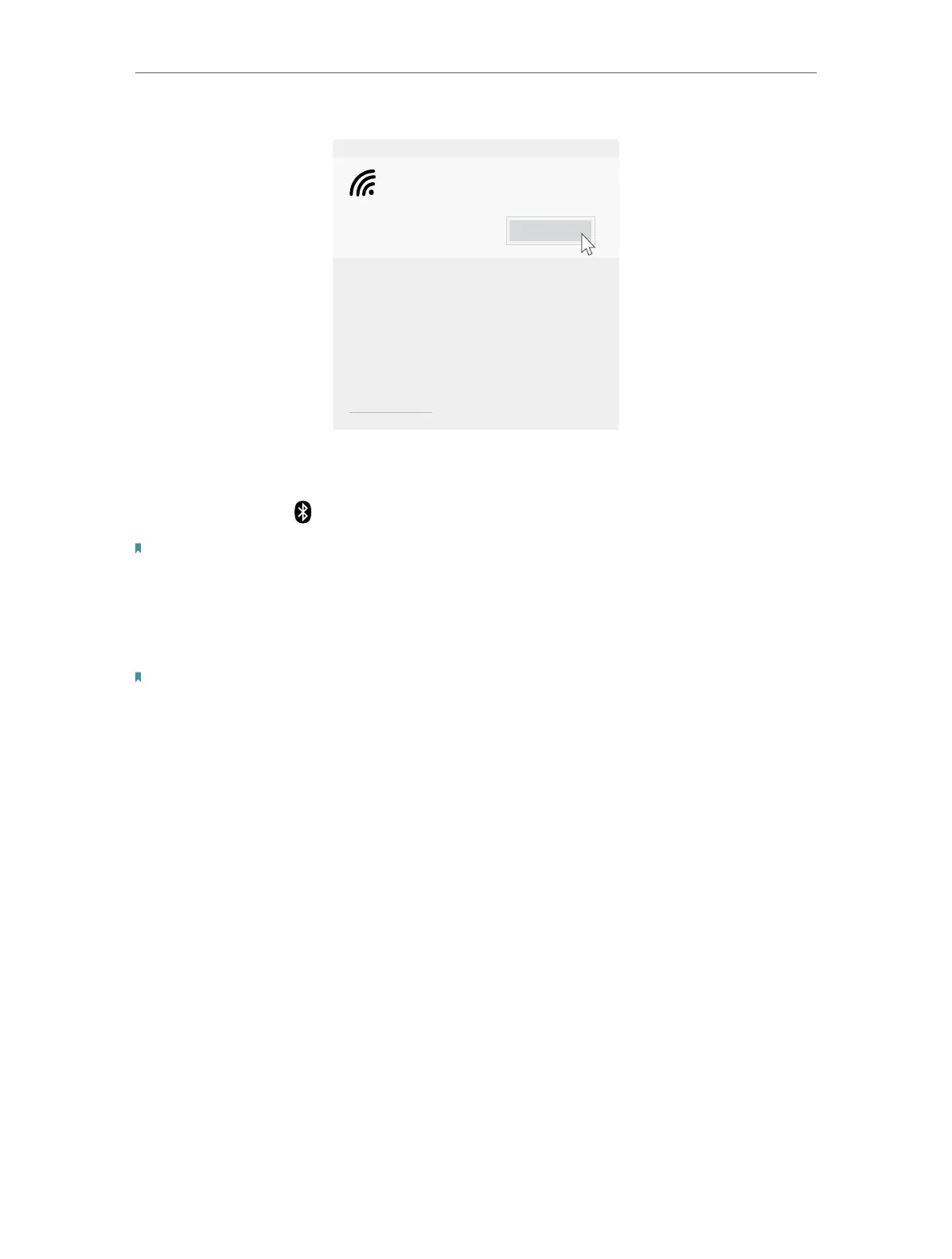
Connect
Secured
TP-Link_XXXX
Network settings
3. 3. Pair with Bluetooth Devices
1. Right click the (Bluetooth) icon on the taskbar.
Note: If it’s not displayed, refer to Troubleshooting-T4.
2. Select Add a Bluetooth Device to scan for available devices.
3. Select your Bluetooth device from the list and follow the on-screen
instructions to complete pairing.
Note: Make sure your device’s Bluetooth is enabled and discoverable.
3. 4. Uninstall Drivers
• Uninstall Wi-Fi driver
Go to Start > Apps, find the Wi-Fi driver Inter® PROSet/Wireless Software. Click
on it and select Uninstall, then follow the on-screen instructions to complete
the uninstallation.
• Uninstall Bluetooth driver
Go to Start > Apps, find the
Bluetooth
driver Inter(R) Wireless Bluetooth(R). Click
on it and select Uninstall, then follow the on-screen instructions to complete
the uninstallation.







 To Next Page