6
7. Connet the analog phone
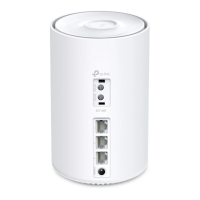
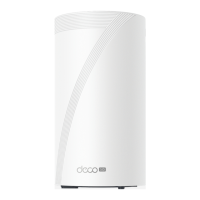
Connect the analog phone to the fxs port of
your Deco.
8. Connect to Deco's Wi-Fi
Find the Deco which is connected to the
splitter or the phone jack, then connect your
phone/tablet to the Deco's Wi-Fi using the
default SSID (Deco_XXXX) printed on the
product label.
9. Select a location
Select a location for Deco. If its location is not
listed, you can create a new one by choosing
Custom. This will be the name of your Deco.


 To Next Page