NFC (Near Field Communication) Pairing
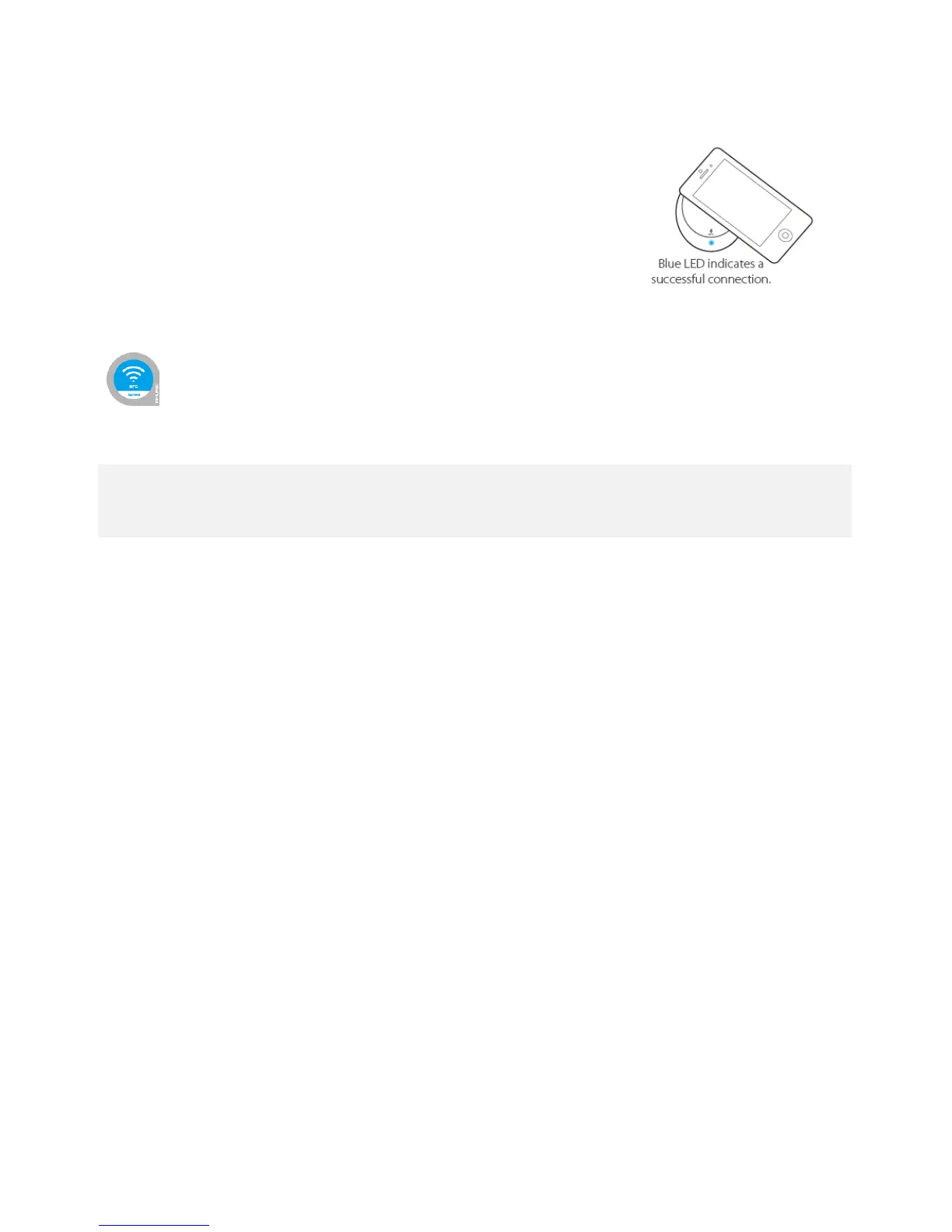
If you have an NFC-equipped device, you can quickly pair the music receiver
with a simple tap.
1. Disconnect the existing paired device.
2. With NFC enabled on your device, tap the music receiver or NFC Tag until
a pairing request pops up.
3. Confirm the pairing request.
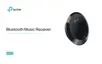
NFC Tag: Used for NFC-pairing. You can stick it on an object within Bluetooth range of the music receiver.
1. Tapping the paired music receiver will disconnect or reconnect it.
2. For an NFC-equipped device (such as iPhone 6) that does not support NFC-pairing, you can pair it via Bluetooth.


 To Next Page