3
Appearance
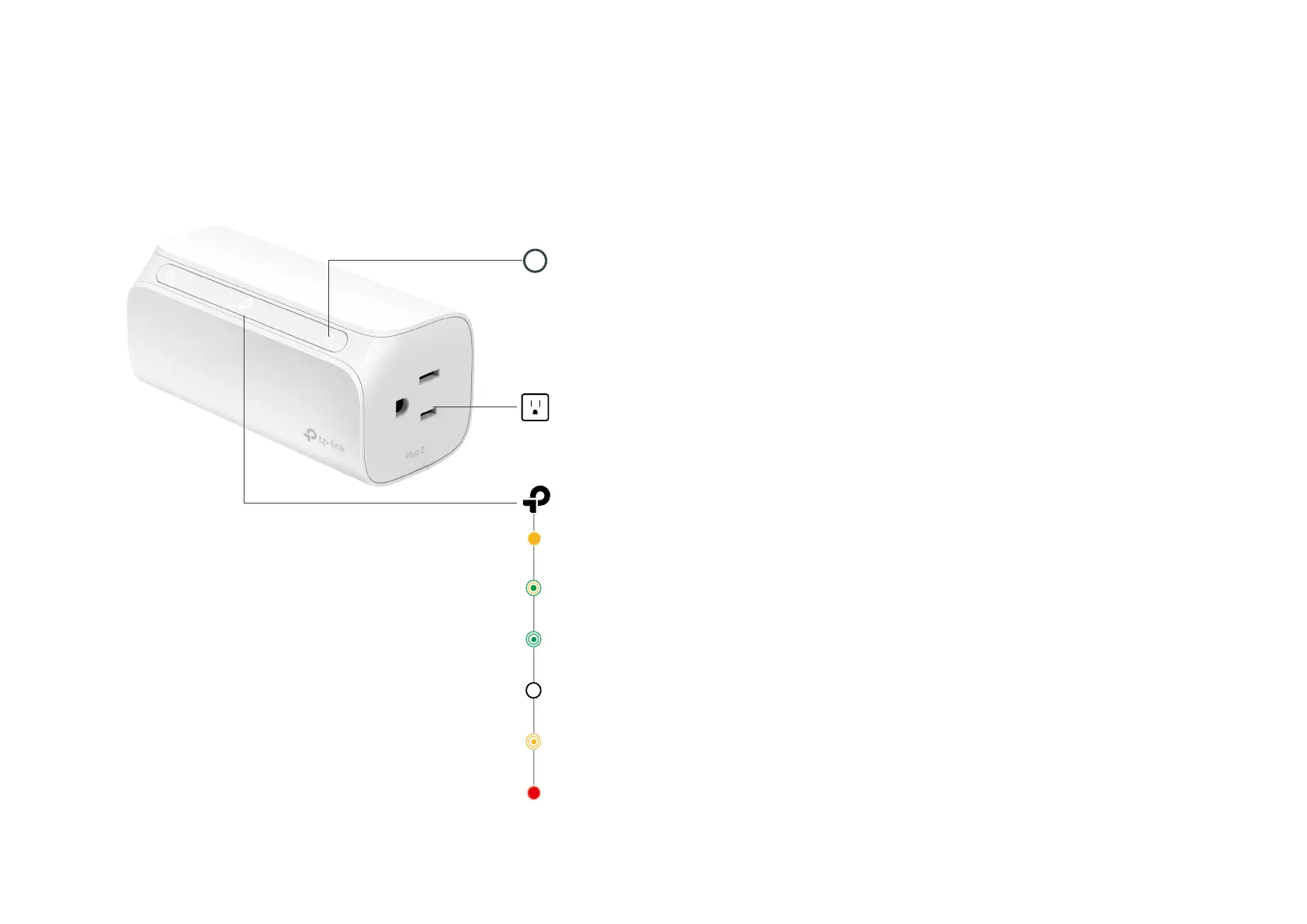
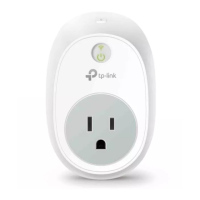
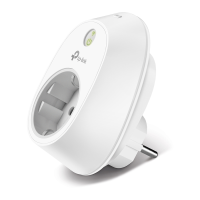
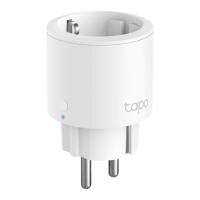
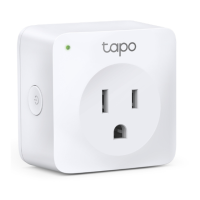
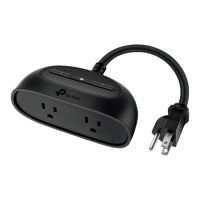
Smart Plug has 2 individual smart outlets, with control buttons to turn on or o plug-in devices and LEDs to show you the current status. TP-Link logo
changes color according to dierent status. See the explanation below:
Blinking Orange
Resetting.
Blinking Green
Searching for Wi-Fi.
Red
No Wi-Fi connection.
Blinking Orange and Green
Setup mode initiated.
Wi-Fi LED
Orange
Rebooting.
White
Connected to Wi-Fi network successfully.
Smart Outlet x 2
Plug in your device and control it from your smartphone.
Each outlet is independent.
Control Button x 2
Press the control button to turn on or o the corresponding outlet.
Press and hold a control button for 5s to reenable setup mode.
Press and hold a control button for 10s to restore your smart plug to factory default settings.
LED of Smart Outlet x 2
Lit up when the corresponding smart outlet is on.




 To Next Page