-20-
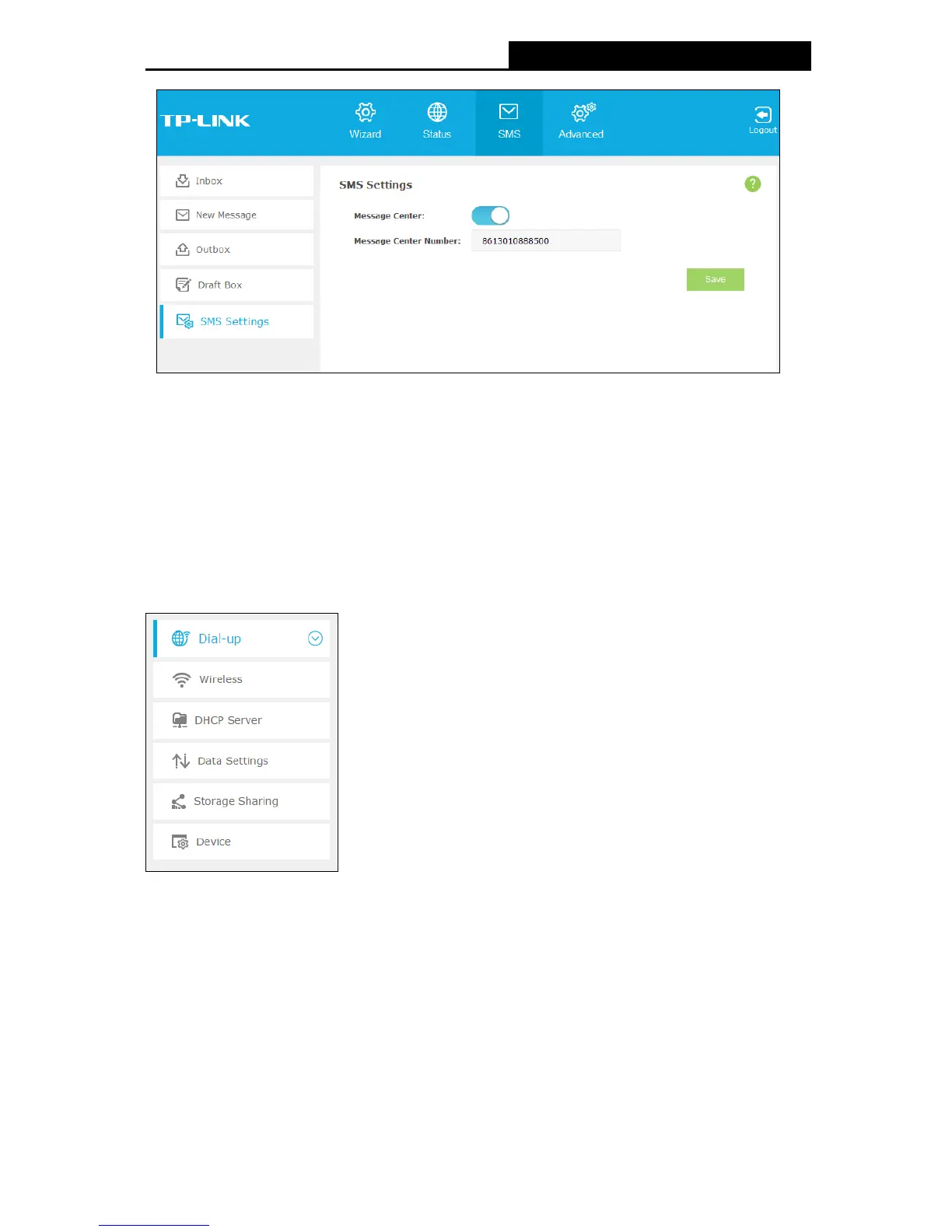
Figure 4-9 Settings
Message Center: Disabled by default. Do not enable it unless you want to manually set
the message center number.
Message Center Number: When the Message Center is enabled, you can enter the
Message Center Number of the local ISP. If you enter a wrong number, the message
function would be affected.
Click Save to save your settings.
4.4 Advanced
Figure 4-10 Advanced Menu
There are six submenus under the Advanced tab (as shown in Figure 4-10): Dial-up, Wireless,
DHCP Server, Data Settings, Storage Sharing and Device. Click any of them, and you will be
able to configure the corresponding functions.


 To Next Page