5
Chapter 1
Get to Know About Your Extender
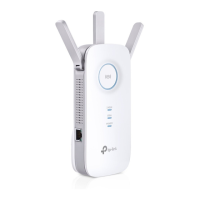
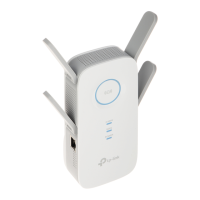
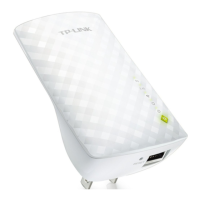
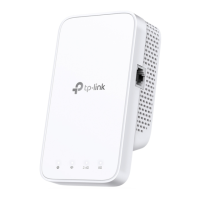
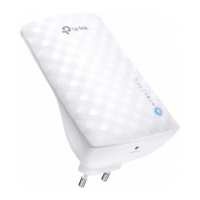
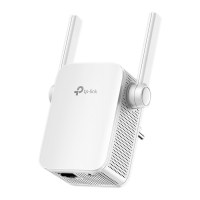
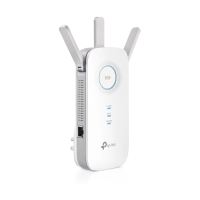
Ports or Buttons Description
Power Button Press for 1 second to turn on or off the extender.
LED Button Press for 1 second to turn on or off all LEDs.
Reset (Hole) Use a pin to press and hold for 1 second to reset the extender.
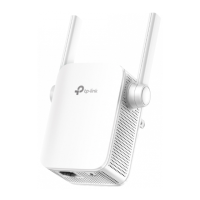
Ethernet Port
Connect your Ethernet-only device to the Ethernet port of the extender to join
the network.


 To Next Page