3
Appearance
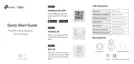
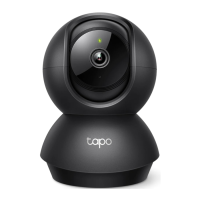
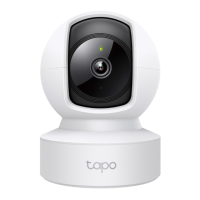
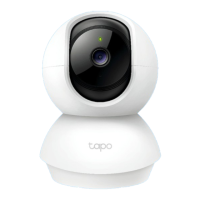
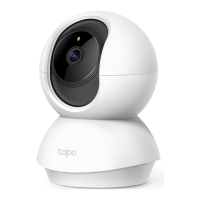
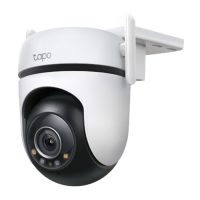
The Pan/Tilt Home Security Wi-Fi Camera has a system LED that changes color according to its status, a lens, microphone, speaker, DC power port,
RESET button, and a microSD card slot. Refer below for details.
Micro SD RESET
Tilt your camera lens up to nd the RESET
button and microSD card slot.
• RESET Button
Press and hold for at least 5 seconds until
the LED blinks red to reset your camera.
• microSD Card Slot
Insert a microSD card and initialize it in the
Tapo app for local recording.
System LED
• Solid red:
Starting up
• Blinking red and green:
Ready for setup
• Blinking red slowly:
Connecting to Wi-Fi
• Solid amber:
Connected to Wi-Fi
• Solid green:
Connected to TP-Link Cloud
server
• Blinking red quickly:
Camera resetting
• Blinking green quickly:
Camera updating
Speaker
The sound comes
out of the camera.
Microphone
Built-in internal
microphone.
Note:
Do NOT insert
objects into the hole.
DC Power Port
Connect the power
cord provided.
Lens




 To Next Page