9
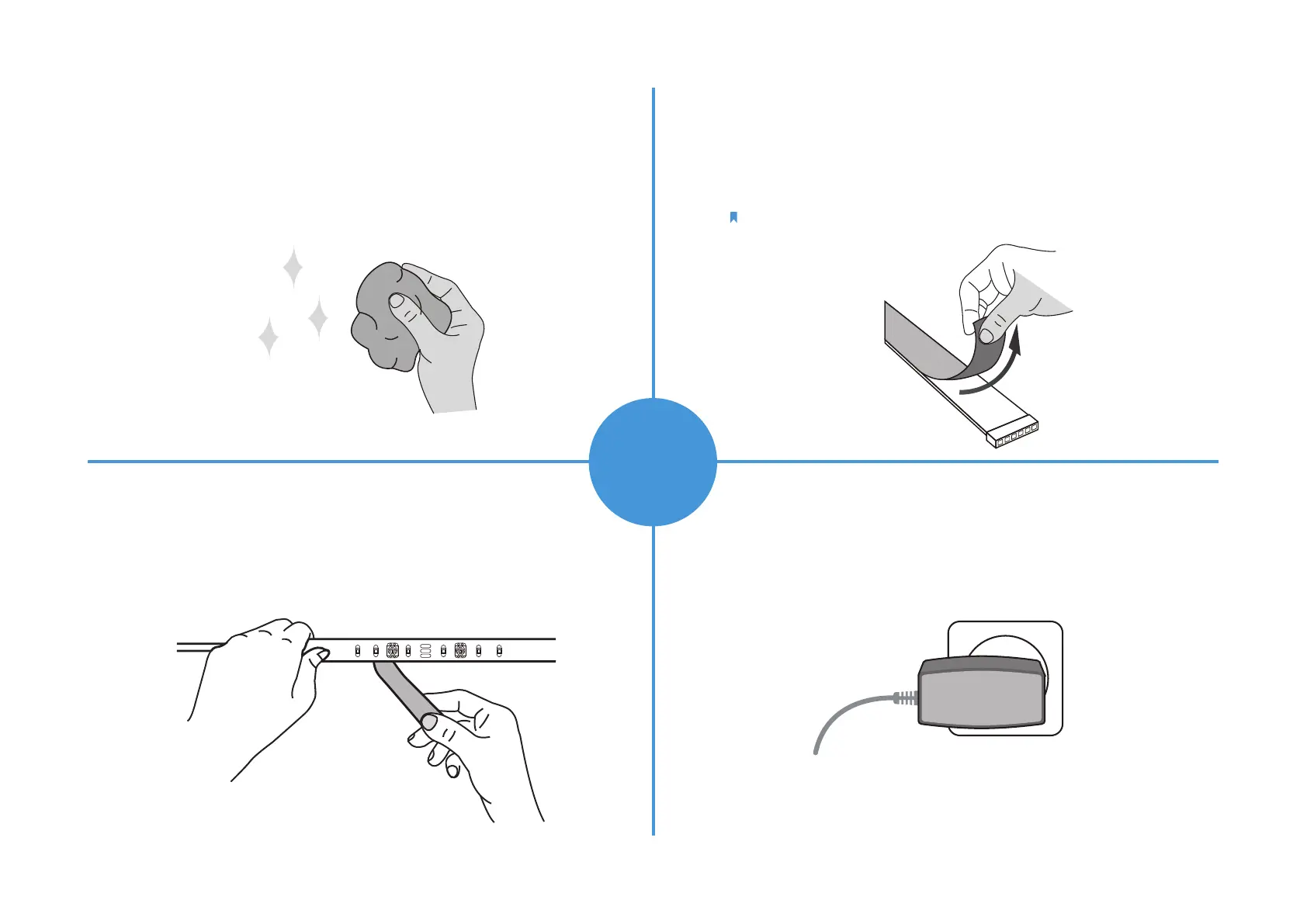
Step 1. Choose Location
Choose a location that avoids static and eases away from
splashing water. Find a clean, dry and smooth surface, then
wipe o the dust.
Step 2. Remove Adhesive Tape
Unplug the light strip rst. Slowly peel away the 3M adhesive
backing and take it out bit by bit.
Note: Do not peel o the tape under the adhesive backing.
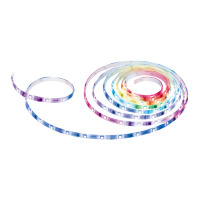
Step 3. Stick Light Strip
Stick the light strip and press it down for 10-15 seconds.
Secure the controller with the adhesive pads. Do not move
it to other place after it is attached.
Step 4. Power Up Light Strip
Plug in the power adapter to power on your light strip.
INSTALL
LIGHT
STRIP


 To Next Page