- 6 -
Ethernet (1, 2, 3, 4): These ports (1, 2, 3, 4) connect the Router to the local PC(s).
WPS/Reset:
Pressing this button for less than 5 seconds enables the WPS function. If your client devices,
such as wireless adapters, that support WPS, then you can press this button to quickly
establish a connection between the Router and client devices and automatically configure
wireless security for your wireless network.
Pressing this button for more than 5 seconds enables the Reset function. With the Router
powered on, press and hold the WPS/Reset button (approximately 8 seconds) until the SYS
LED becomes quick-flash from slow-flash. And then release the button and wait the Router
to reboot to its factory default settings.
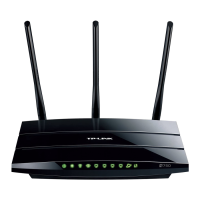
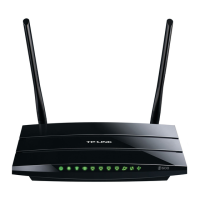
Wireless antenna: To receive and transmit the wireless data.













 To Next Page