1
Connect your devices to the internet using the default SSIDs (network names) and password
on the Wi-Fi Info Card provided.
Tips:
Want to unify Wi-Fi networks or
personalize your network?
See the back page for instructions.
Quick Installation Guide
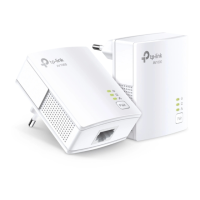
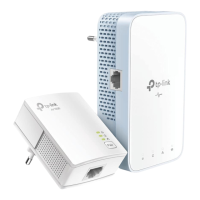
TL-WPA8630 KIT
On
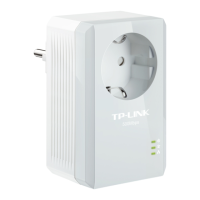
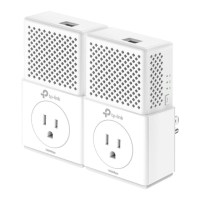
* TL-WPA8630 KIT (European version) is used for demonstration in this guide.
Plug the adapter into a power outlet
and connect it to the router’s LAN
port via an Ethernet cable.
2
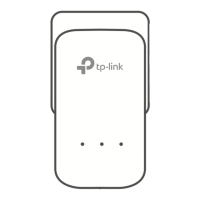
Plug the extender into a power outlet on the same electrical circuit.
Wait until the extender’s Powerline LED turns on.
Note: If the LED is red or o, please refer to FAQ > Q2.
Plug and Play
3
Attention
Wall Outlet
2. Plug powerline devices into wall outlets instead of power strips.
Using a power strip will aect network performance and may even cause dropped
connections.
1. Use the product only in the upright direction.
Power Strip
Router

 Need help?





 To Next Page
 General