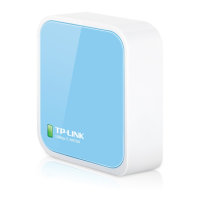
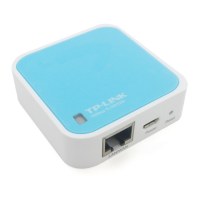
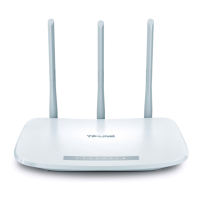
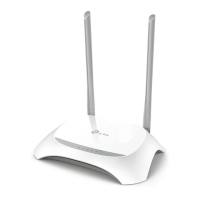
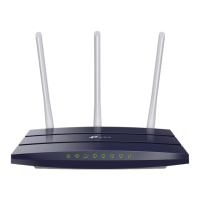
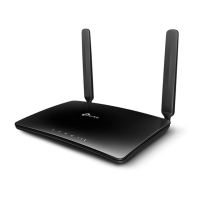
TL-WR741N/TL-WR741ND 150Mbps Wireless Lite-N Router
- 3 -
1.2 Conventions
The Router or TL-WR741N/TL-WR741ND mentioned in this guide stands for TL-WR741N/TL-WR741ND
150Mbps Wireless Lite-N Router without any explanation.
)
Note:
The two devices of TL-WR741N and TL-WR741ND are sharing this User Guide. For simplicity, we
will take TL-WR741ND for example throughout this Guide.
The differences between them are:
¾ TL-WR741N Router with one fixed antennas.
¾ TL-WR741ND Router with one detachable antenna.
1.3 Main Features
¾ Make use of IEEE 802.11n wireless technology to provide a wireless data rate of up to
150Mbps.
¾ One 10/100M Auto-Negotiation RJ45 WAN port, four 10/100M Auto-Negotiation RJ45 LAN
ports, supporting Auto MDI/MDIX.
¾ Provides WPA/WPA2, WPA-PSK/WPA2-PSK authentication, TKIP/AES encryption security.
¾ Shares data and Internet access for users, supporting Dynamic IP/Static IP/PPPoE Internet
access.
¾ Supports Virtual Server, Special Application and DMZ host.
¾ Supports UPnP, Dynamic DNS, Static Routing.
¾ Provides Automatic-connection and Scheduled Connection on certain time to the Internet.
¾ Connects Internet on demand and disconnects from the Internet when idle for PPPoE.
¾ Built-in NAT and DHCP server supporting static IP address distributing.
¾ Supports Stateful Packet Inspection
¾ Supports VPN Passthrough
¾ Supports Parental Control and Access Control.
¾ Provides 64/128/152-bit WEP encryption security and wireless LAN ACL (Access Control
List).
¾ Supports Flow Statistics.
¾ Supports firmware upgrade and Web management.



 To Next Page
 Loading...