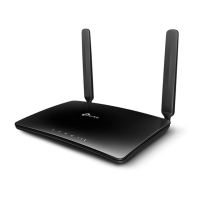
TL-WR741N/TL-WR741ND 150Mbps Wireless Lite-N Router
- 33 -
Figure 4-13 PPTP Settings
¾ User Name/Password - Enter the User Name and Password provided by your ISP. These
fields are case-sensitive.
¾ Dynamic IP/ Static IP - Choose either as you are given by your ISP and enter the ISP’s IP
address or the domain name.
If you choose static IP and enter the domain name, you should also enter the DNS assigned
by your ISP. And click the Save button.
Click the Connect button to connect immediately. Click the Disconnect button to disconnect
immediately.
¾ Connect on Demand - You can configure the Router to disconnect from your Internet



 To Next Page
 Loading...