12
6) Full screen
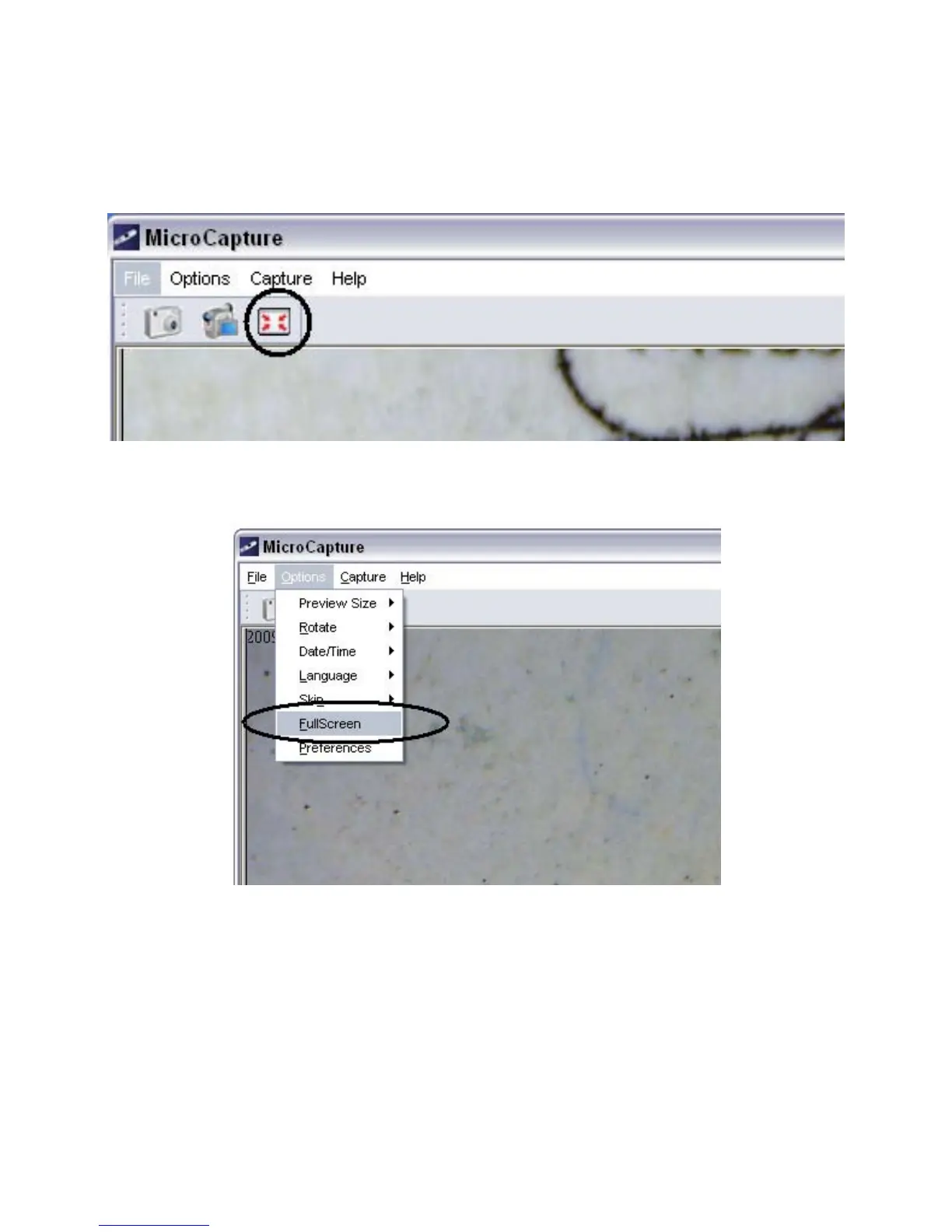
You can enter & quit full screen mode by:
(1) Double-clicking the preview area.
(2) Clicking the full screen icon:
(3) Choose Full screen mode from menu.
When in full screen mode, click on the Full screen icon to
turn off and restore toolbars and menus.


 To Next Page