15
Stop capture:
z Click the flashing video camera button
z Choose Capture and then click Stop
capturing
Note: Please note the best pixels for video
capturing is 640x480.
9) Edit photos
(1). Preview photos
a. Clicking on an image thumbnail will display the
image selected on the preview area, with its size
displayed on the left-bottom corner.
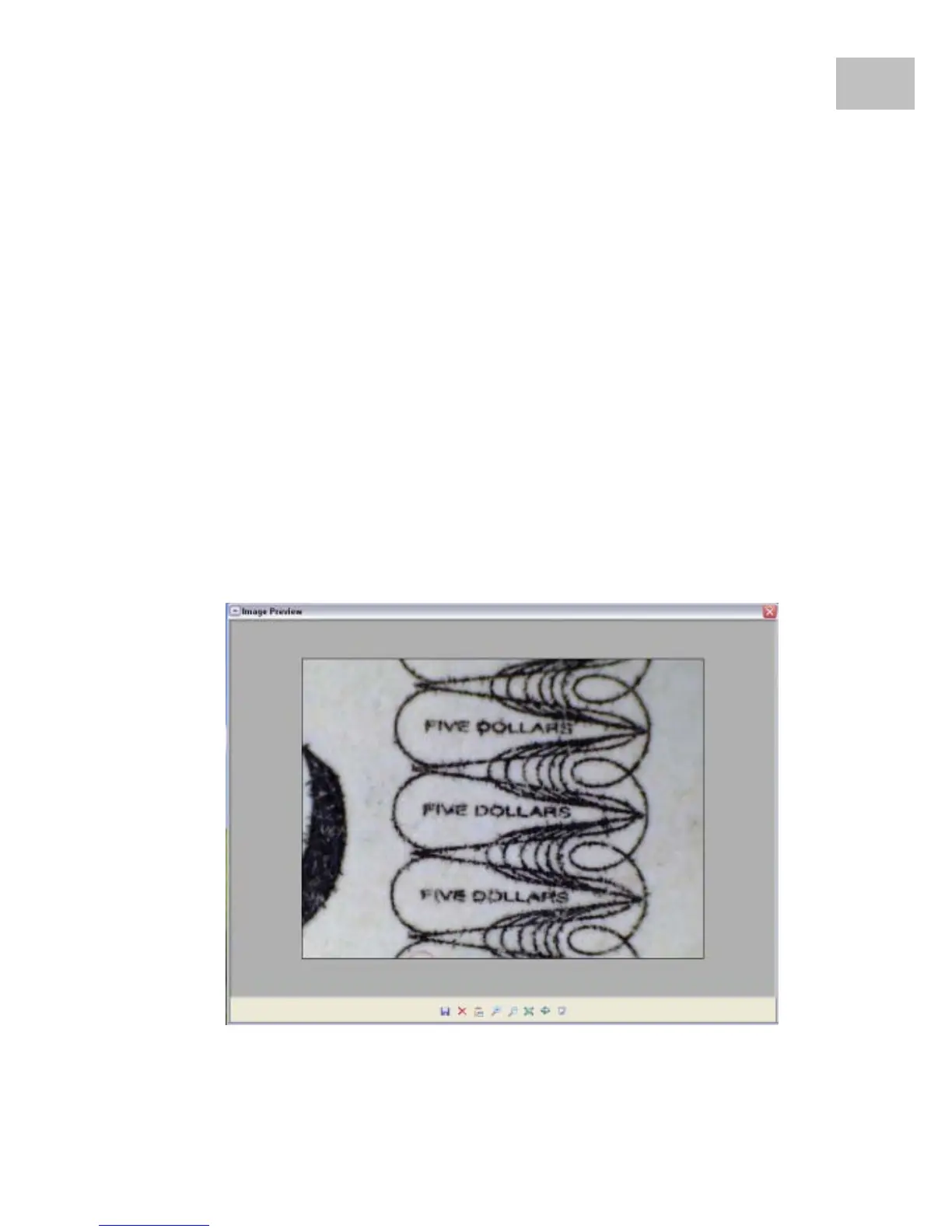
b. You can double click the image thumbnail and an
independent preview box will pop up as shown
below:
EN


 To Next Page