19
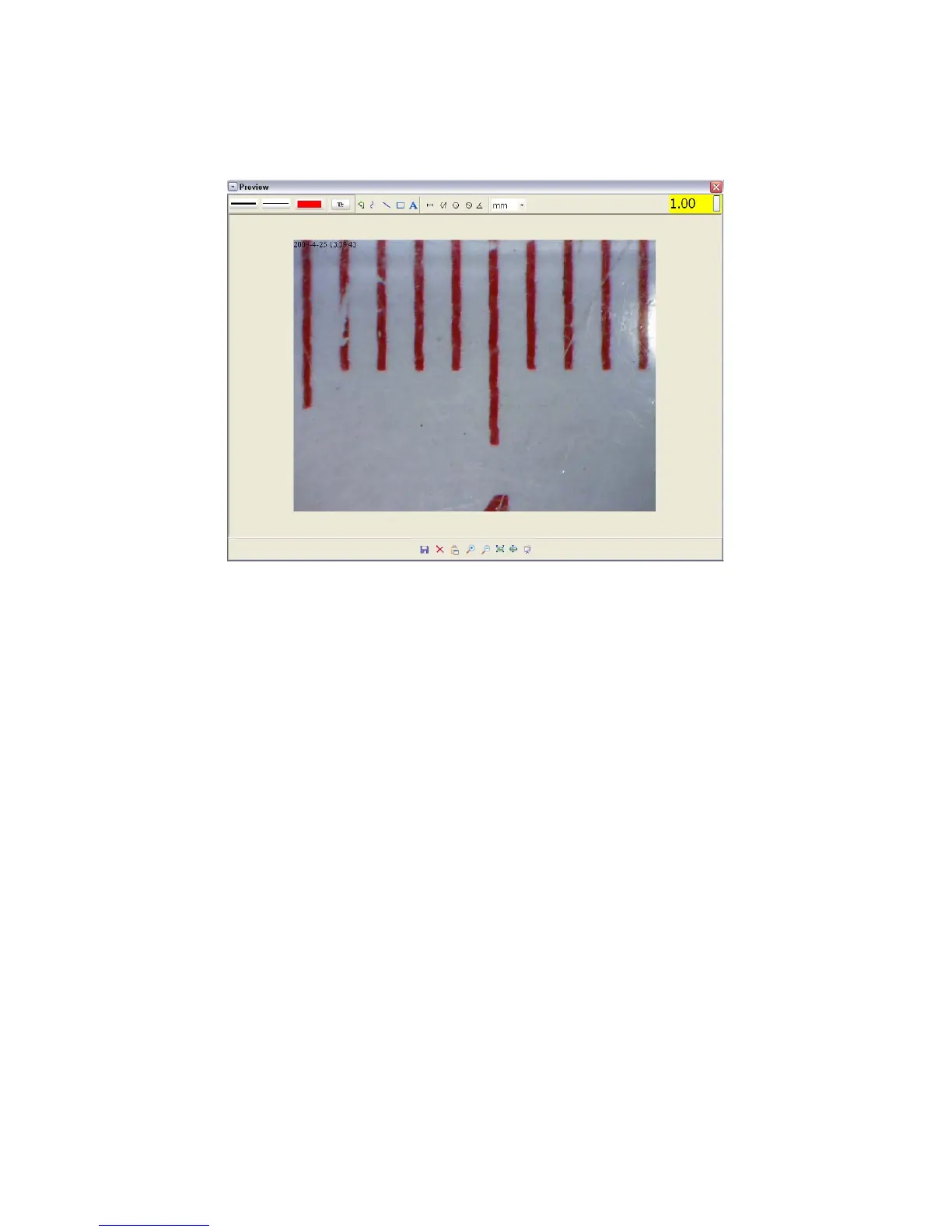
4 Open the captured photo double clicking on the
thumbnail. A preview window will open
5 Input the magnification ratio noted down into the box
indicated at the top right corner of the preview
window. (Please note it is necessary to input the
magnification ratio noted down on step3; otherwise
the measurement is meaningless.)
6 Now you can measure the size of the whole or part of
the object you have taken using the available options.
Click on the icons on top of the window. Following
are the options:


 To Next Page