23
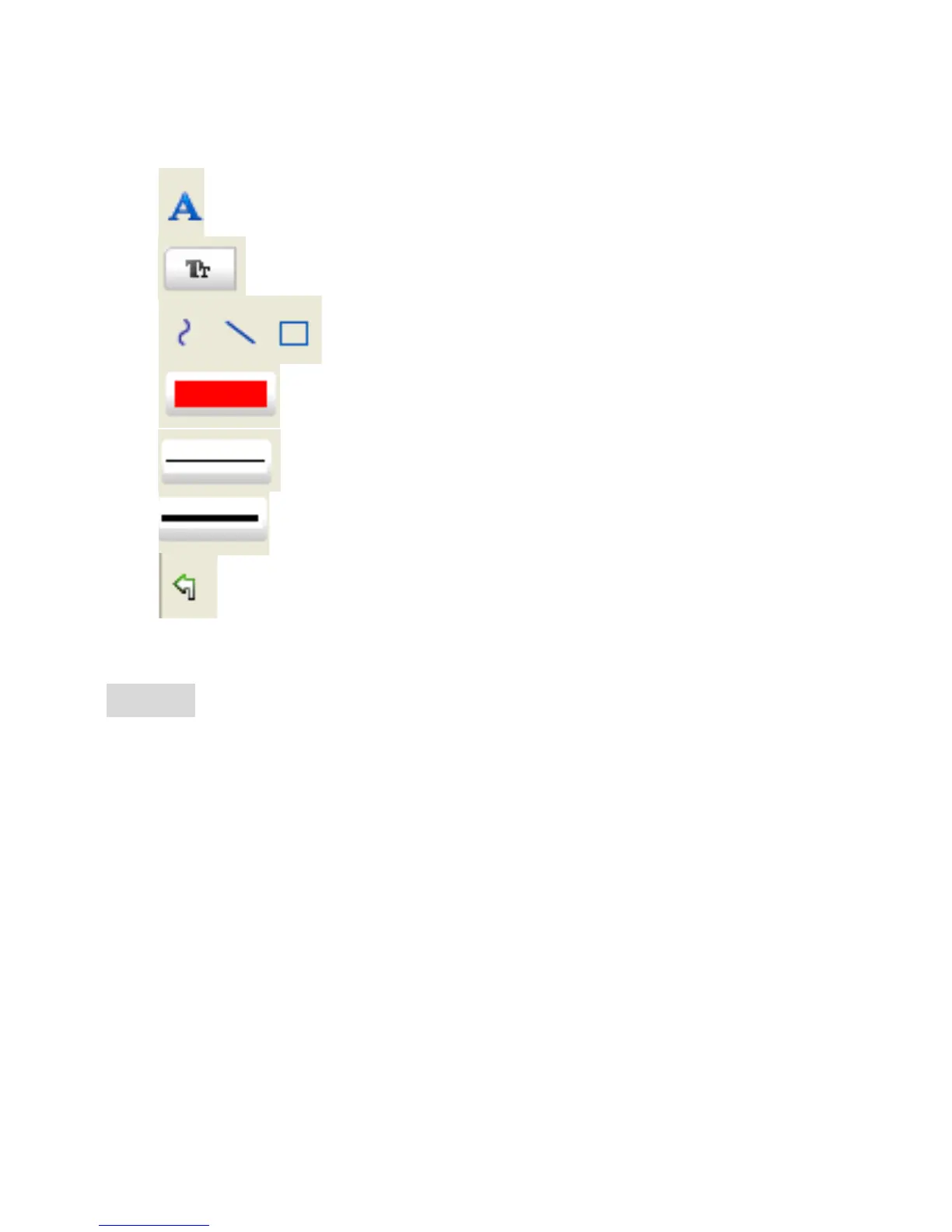
7 Other operations you can carry out on the photo
taken include:
1)
: make notes on the photo taken
2)
: select font, font style, font size etc
3)
: draw line, box etc on the photo
4)
: line color
5)
: line thickness
6)
: line type
7)
: undo operation
Note:
1. The magnification ratio you are allowed to input is
from 20 to 200. Do not input any value beyond that.
2. The measurement value worked out by the software
is only for reference; it may not be 100% correct.
3. The measurement function is only available on
Windows Operating System.


 To Next Page