27
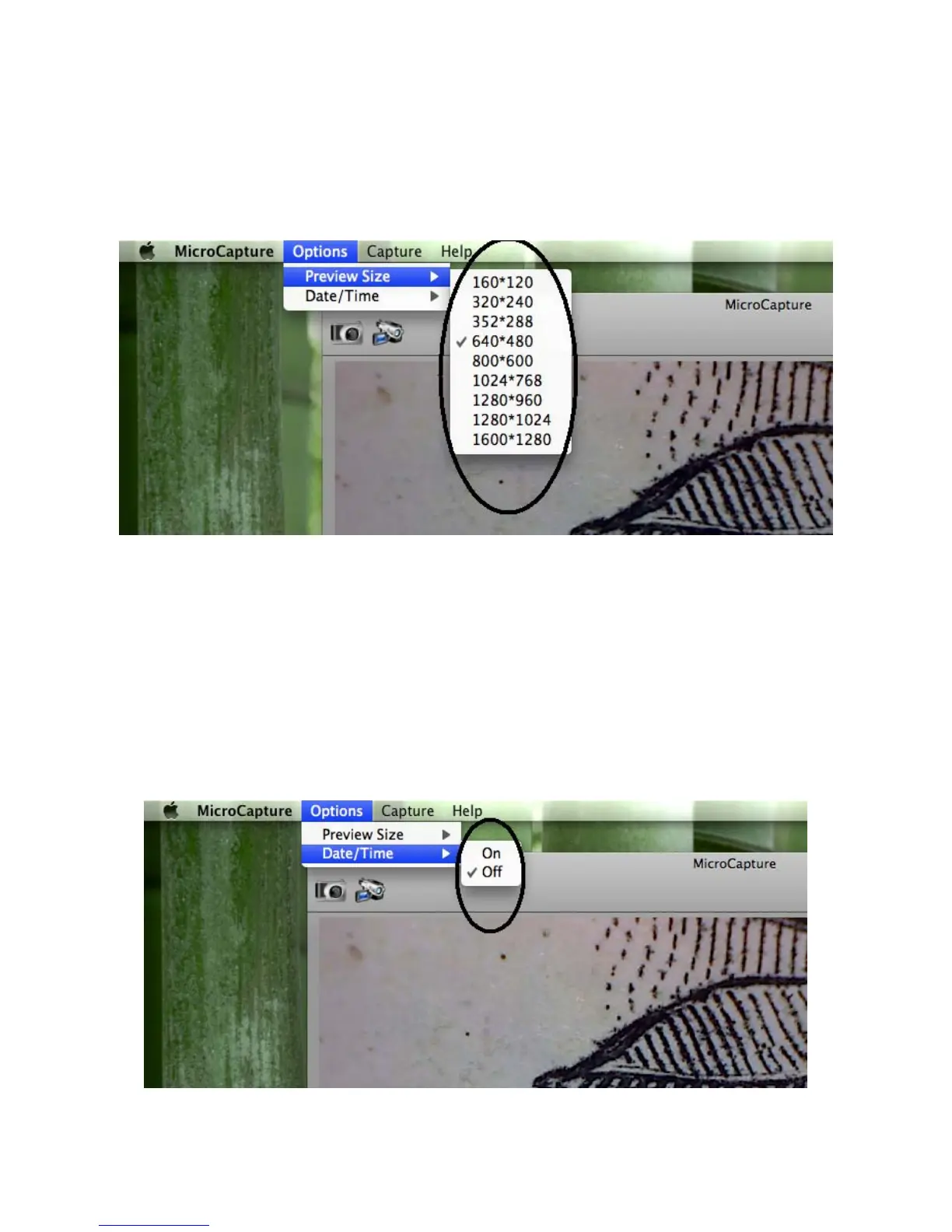
4. Change preview resolution
From Options, you can choose the preview
resolution. The current resolution will be displayed at
the left bottom corner of the preview window.
Please note that the preview window size always remains
at 640x480 but the current resolution will show at the left
bottom corner.
5. Date/Time
From Options, you can turn the date/time on or off.


 To Next Page