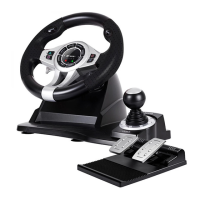
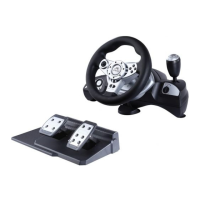
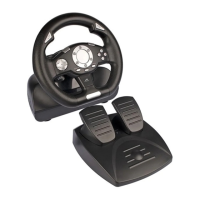
SIERRA RACING WHEEL
8
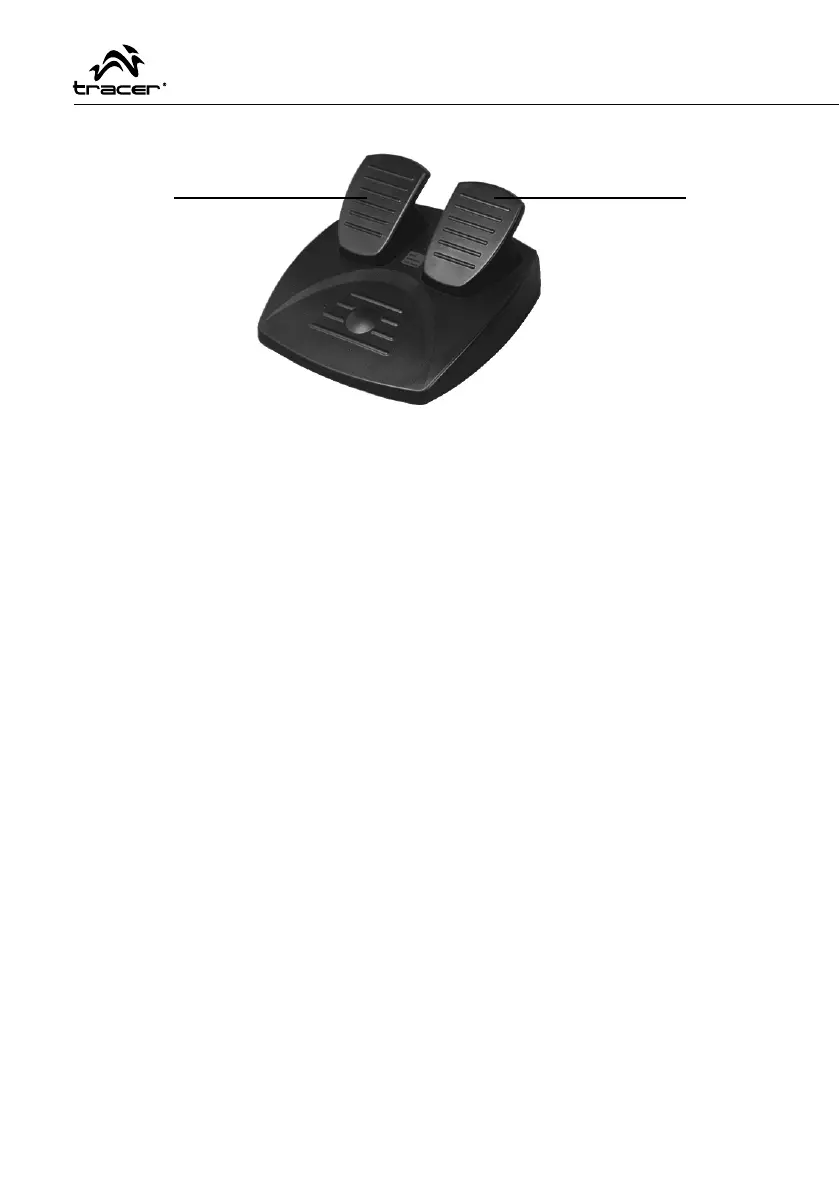
Foot Pedal
System Requirement
USB port;
Windows98/98SE/ME /2000/XP & Vista/7;
DirectX version 7.0 and later.
Connection and Installation
1) Enter into Windows
2) Insert the supplied Driver CD into your PC CD Rom
3) Double click the SETUP icon
4) Install the driver ‘LS-USBmX1/2/3 Steering…’ following system prompts
5) Connect the wheel to a USB Port on the PC
6) Select ‘Game Controllers’ in the Control Panel to calibrate the steering wheel proper-
ties
Calibrate the wheel as described in the calibration section of the game controller window.
The USB driver will only have to be installed once, after this has been done whenever
you connect the wheel to your USB port the “LS-USBmX1/2/3” will appear within the
“Gaming Options” window. To ensure the wheel works correctly please re-calibrate the
wheel before use.
When you have fi nished testing, quit by clicking on OK in the Test window, and OK in
the General window. Finally, close the Control Panel window. Now its time to load your
favorite game and start playing! Note the actual controls for the fi re buttons, throttle and
brake pedals are set within each individual game. Check your game documentation for
further details.
(Y–)
(Y+)


 To Next Page