Installation Instructions – Lexus IS, July 2013 > Issue: 1.0
TRACKER Network (UK) Ltd Date: 01/07/2013
TRACKER Technical Support
BEFORE COMMENCING! Refer to Section:
‘General Information’
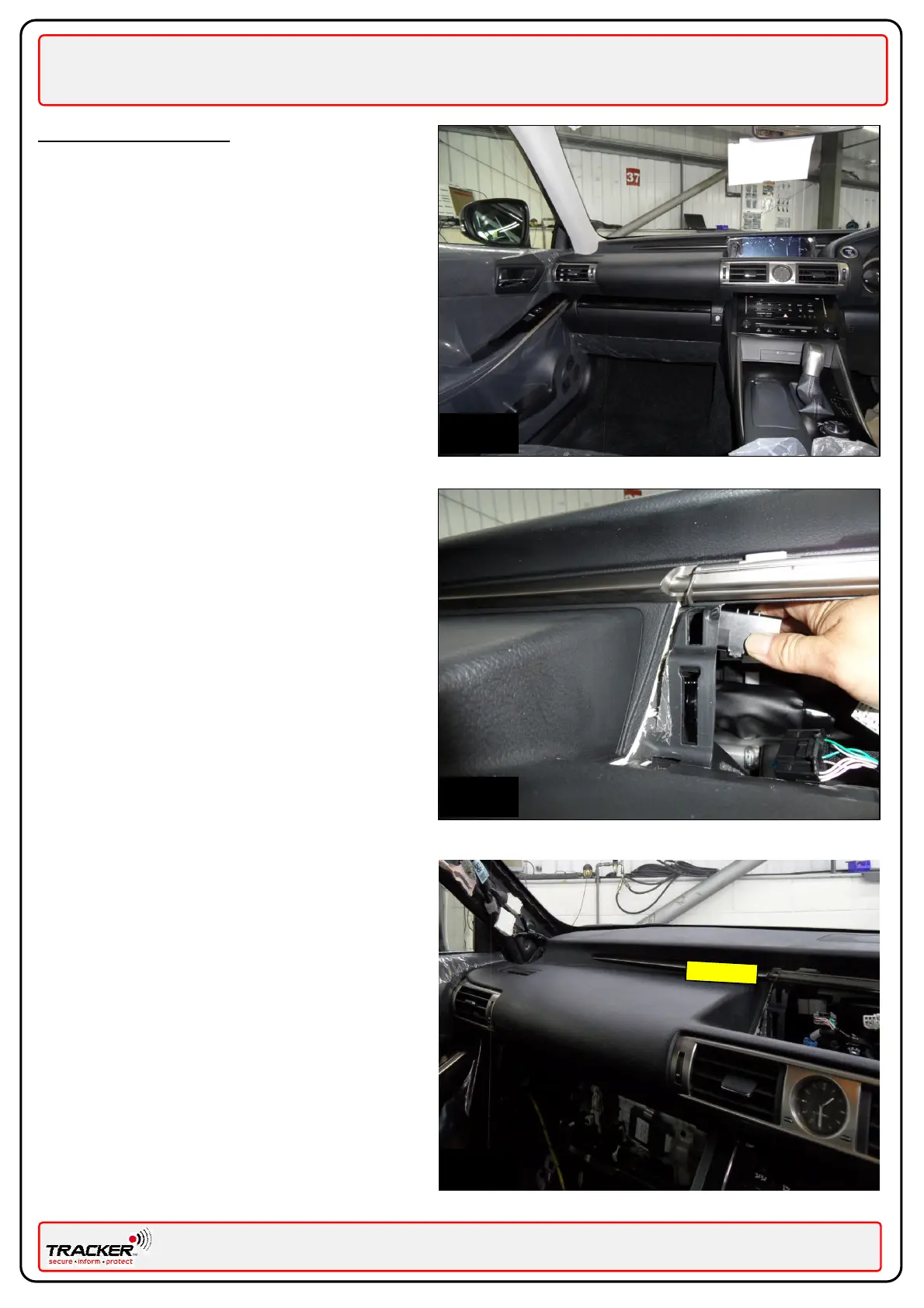
Panels to remove:
Fig. 1
Multi Display Assembly.
Glove box.
Near Side lower dash trim.
Near Side ‘A’ pillar trim.
Near Side sill trims
In accordance with the Lexus Service Manual.
Mounting the Tracker unit (VLU)
Fig. 2 – Insert the VLU towards the Near Side
through the dash where the Multi Display has been
removed, Secure the VLU using the supplied butyl
tape or a suitable double sided tape and a tie
wrap around the air vent.
Fig. 3 – When located correctly the VLU will sit
under the dash roughly in the location shown by
the yellow box. Secure the VLU using the supplied
butyl tape or a suitable double sided tape and a
tie wrap around the air vent.


 To Next Page