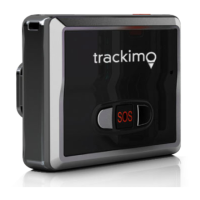
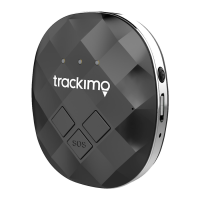
Turning the tracker on
1.
Takethe trackeroutside so that it
is in the open air.
2.
Press and hold the on/off button
for at least 3 seconds.
The green light on the front will start
to flash.
3.
Putthe tracker down and wait for
at least 15minutes.
Thetrackerwill carry out initial GPS
positioning. This is required for the
device to function correctly. The
tracker will then be ready for use
and can beactivated.
Activating the tracker
1.
Open your Internet browser and
go to the following website:
www.trackimo.eu
2.
Select your language.
3.
Click on ‘Activate’, create an ac-
count and follow the on-screen
instructions.
Youcan alsoactivatethe trackerwith
theapp.Todo so,proceed as follows:
4.
Download the app (see the chap-
ter “Installing theapp”).
5.
Click on “Register” and follow the
instructions there for registering,
or log into your account if you
already have one.
6.
Select “Activate device” in the
operation menu and follow the
instructions.
Installing the app
Download the trackimo app free of
charge via the Google Playstore or
the Apple Store and install this on
your smartphone. Then log into the
account you created on the website.


 To Next Page