Functions
Checking the
connection
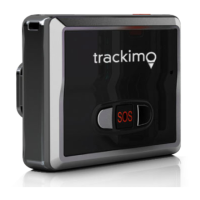
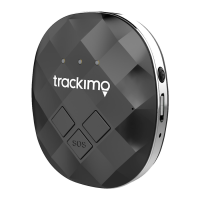
Press the on/off button
to check whether the tracker is on
or off. If at least one light comes on,
the tracker is on. If no light comes
on, the tracker is off.
Note:
You can save battery life by
using the OFF setting in your app’s
menu or on the tracking interval
homepage. The device doesn’t
have to be turned off. Charge the
battery from time to time, but at the
latest when you receive a message
notifying you that the battery level is
at 10 %. As soon as the battery level
is low, the red light will start to blink.
Button functions
On/off button:
Press and hold the on/off button
to turn the tracker on or off.
Briefly press the on/off button
once to check whether the
tracker is on.
Geofencing
A geofence is a self-defined
virtual boundary.Youwill receive a
notification as soon as the tracker
leaves this area or goes into this area.
1.
Select the trackeron the trackimo
homepage or in your app.
2.
Click on “Barriers”.
3.
Clickon the “Create a new barrier”
button.


 To Next Page