-10- TrackIt Limited – V 7.5 April 2013
AD 1/2
/
0-6V 45V
4.4
Connecting and Installation
Read this manual before using your VT10 and check if all parts are included in the packaging box.
4.4.1 Ensure that your VT10 has a working SIM installed
.
- Check that the SIM is active (test the SIM in a phone to make sure
it can send and receive SMS)
- If you require the function of sending an SMS location report to the authorized
phone number when it makes a call to the VT10, please make sure the SIM installed
supports displaying caller ID.
Before inserting SIM card, cut off the power for VT10.
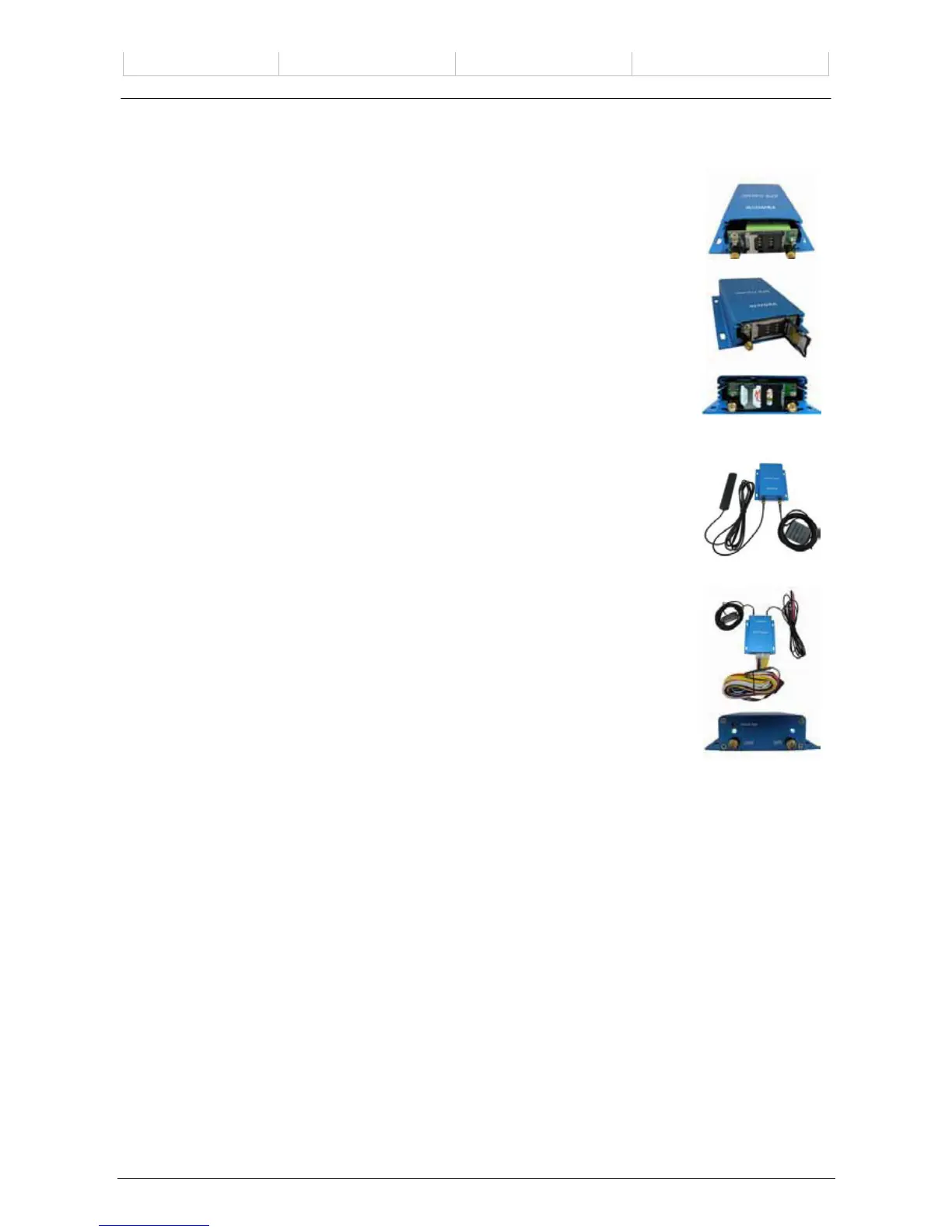
Install SIM Card
- Unscrew and remove the front cover of VT10.
- Insert the SIM card by sliding it into the card slot with the chip module facing to the
connectors on PCB.
- Put back the front cover and screw it up.
4.4.2 Antenna Connection
Connect the GSM Antenna to VT10.
Connect the GPS Antenna to VT10.
- GPS antenna is used to receive satellite signals in the sky. It should be fixed to face
the sky (to be placed under the windscreen is recommended) and should not be
covered or shielded by any objects containing metal.
4.4.3 Find a suitable place inside the car for installing VT10. Wiring connections
must be firm and reliable and the joints should be wrapped with insulating tape
tightly
.
The unused electrical wire should be properly insulated.
Check if all wirings have been connected correctly and then connect the AVL unit to
the motor power.
Make a missed phone call the VT10 using a mobile phone to check if the calling can
go through and the VT10 replies with an SMS indicating longitude, latitude, speed
and date
.



 To Next Page