7 / 56
GETTING STARTED
1. CHARGING THE DEVICE
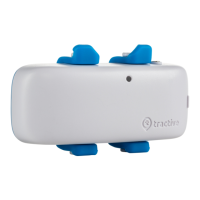
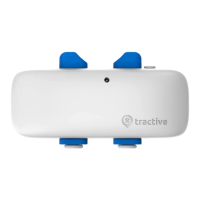
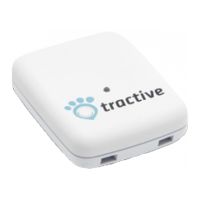
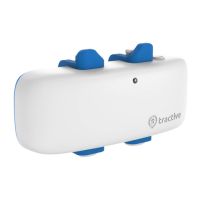
We recommend to fully charge the Tractive
®
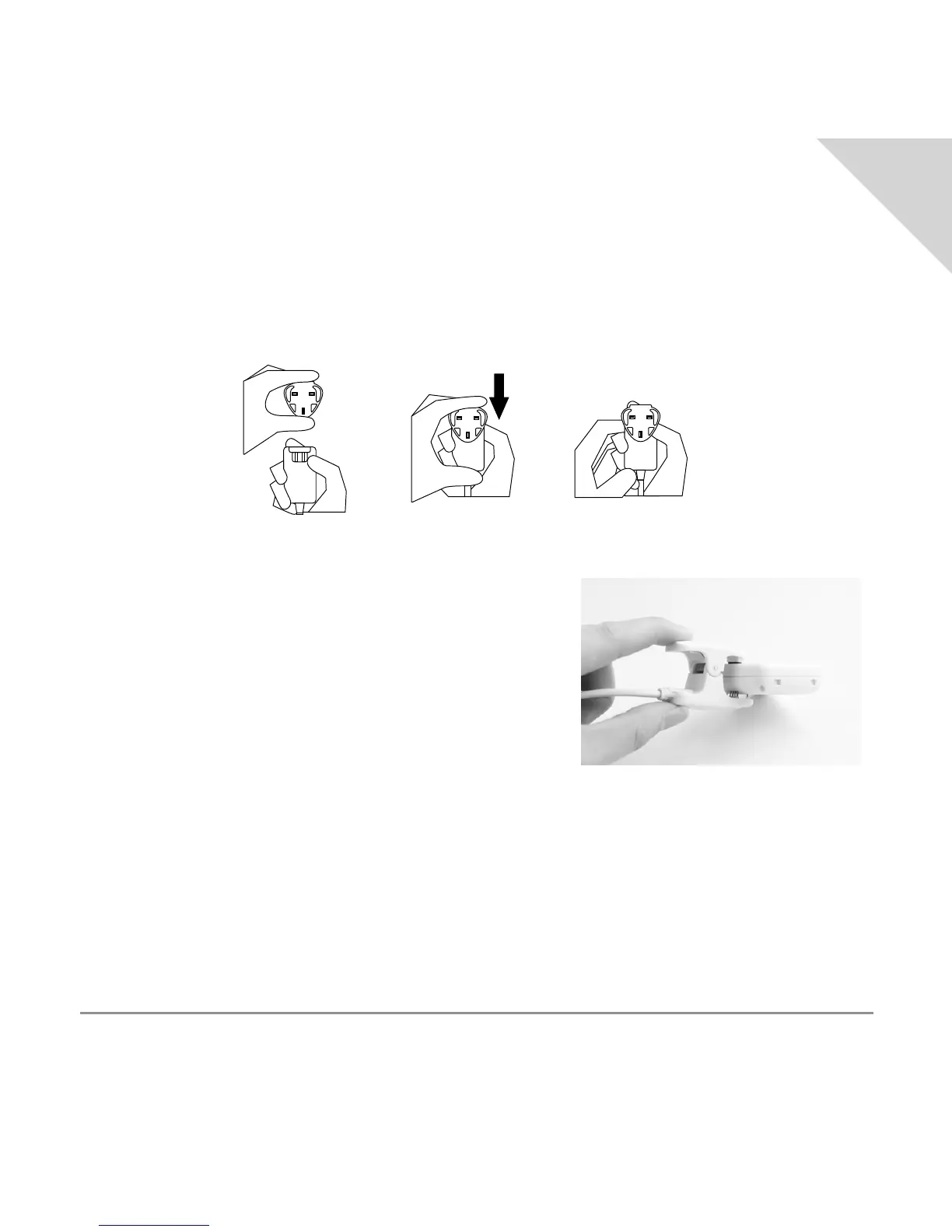
GPS device before its rst use. Attach the A/C
adapter head to the A/C adapter as depicted below.
Connect the USB cable to the A/C adapter that came
with the Tractive
®
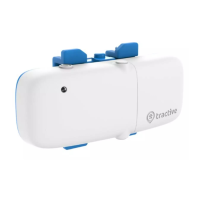
GPS device. Then attach the charging
clamp on the device as shown in the image below.
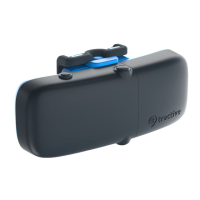
The LED on the Tractive
®
GPS device will turn red while
the device is charging. Once the device is fully charged,
the red light will disappear.
2. DEVICE ACTIVATION
Activation of the Tractive
®
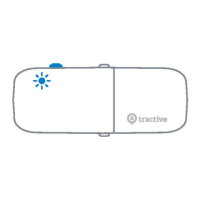
GPS device requires the device to be turned on. Keep the power
button on the device pressed for around 3 seconds. Once you hear two short ascending beeps
and see a green light, the device has successfully been turned on. Holding the button again
for 3 seconds will turn off the device.
EN


 To Next Page