9 / 56
If the Tractive
®
GPS device is loose on your pet’s collar or does not t for some other reason,
we recommend the usage of an original Tractive
®
collar, available in different sizes from your
Tractive
®
retail partner and at shop.tractive.com
5. LOCATING A PET AND LIVE TRACKING
After setting up the Tractive
®
GPS device and adding a pet in the Tractive
®
GPS app or on
www.tractive.com, you can start to locate your pet. The Tractive
®
GPS app will guide you
through locating your pet step by step.
LED WARNINGS
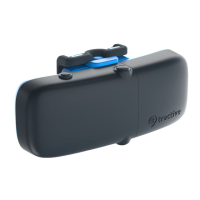
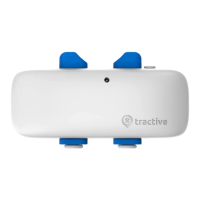
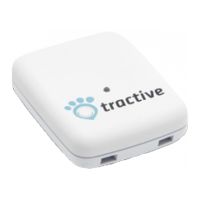
The LED located on the top of the Tractive
®
GPS device indicates the current status of the
device.
Battery is low (red LED ashes 3 times every 15 seconds)
The battery level of the Tractive
®
device is low. Fully recharge the device to get the
best tracking results.
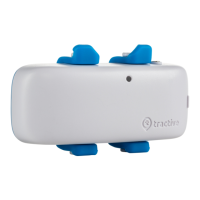
LIVE Tracking (white LED ashes)
During a LIVE tracking activity the LED ashes in white. This allows you to locate
your pet easier at night time.
DEVICE STATUS
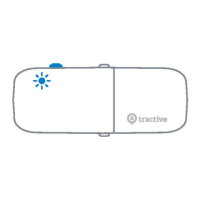
By pressing the on/off button once, the GSM and GPS status of the device will be shown using
two consecutive ashes.
EN


 To Next Page