ACCESSORIES & CONSUMABLES
INSTALLATION & OPERATION
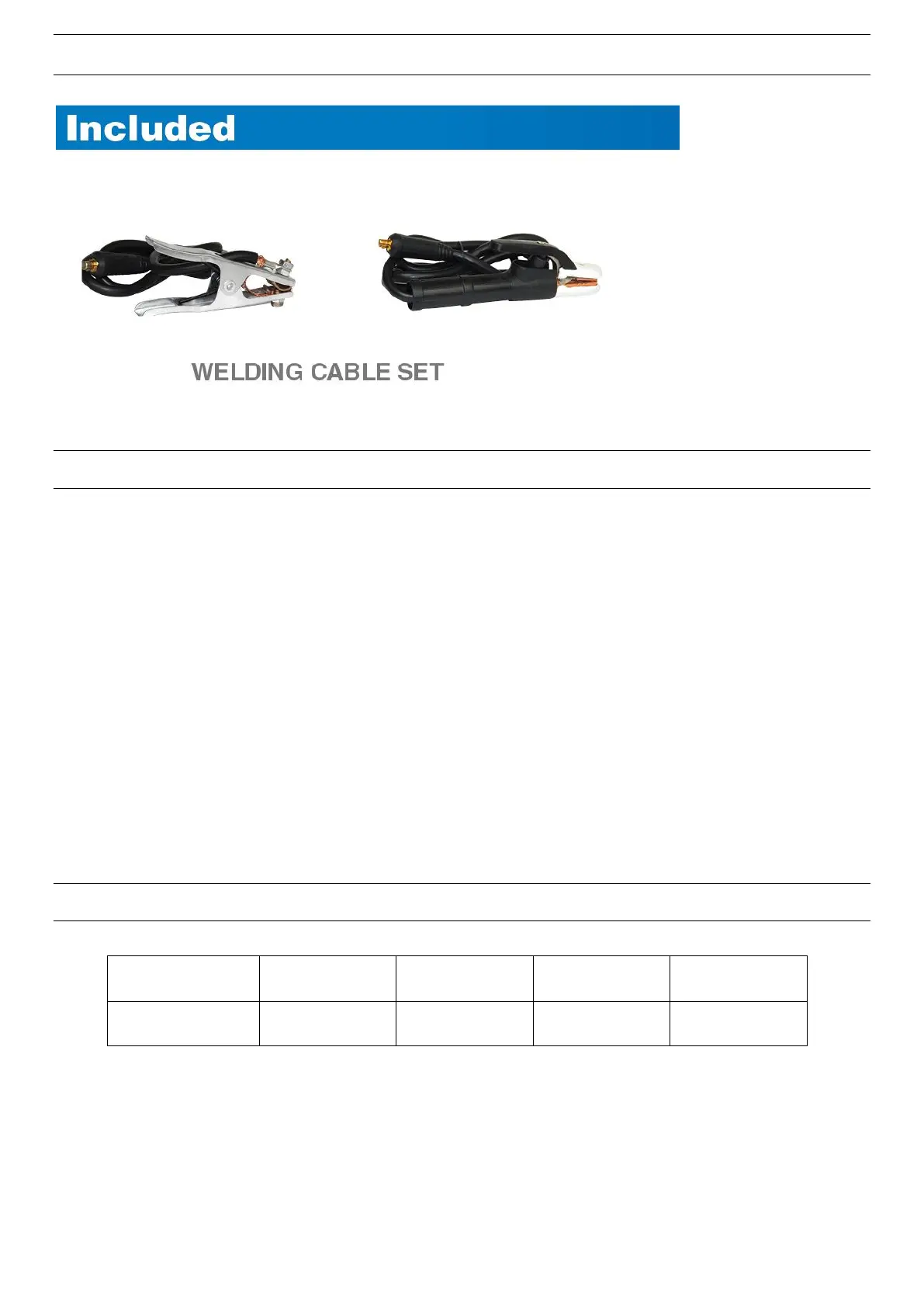
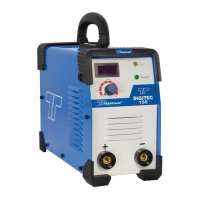
1. The electrode holder and earth clamp are easily connected to the machine by inserting the quick
connector and twisting it clockwise. Always ensure a correct fit. Please pay attention to the connection
polarity.
Generally, Reverse Polarity is used in which the welders electrode holder will be connected in the “+”
Positive Terminal while the earth clamp in the “-”Negative Terminal. The welder does have the ability to
be used for Straight Polarity or Reverse Polarity. We recommend you connect the polarity in accordance
with the electrode manufacturer’s recommendations. If the polarity is connected incorrectly it could
cause an unstable arc, spatter, and/or the electrode to stick. If these symptoms occur change the
polarity.
2. Turn the machine on via the ON OFF switch located on the rear of the machine.
3. Set the amperage knob according to type and size of welding rod being used.
ELECTRODE CHART GUIDELINE


 To Next Page