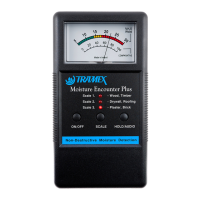
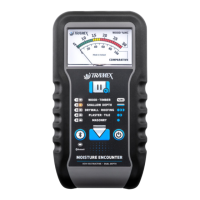
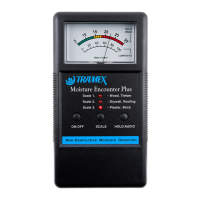
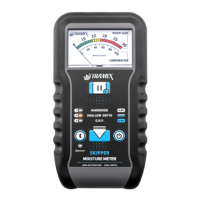
QUICK START GUIDE
•
•
•
•
•
•
•
When replacing the batteries always
ensure to use Alkaline batteries.
TROUBLESHOOTING
“II” On home screen & readings frozen.
Release Hold by pressing once.
Meter is on Hold.
Low Battery Indicator.
Probe icon on screen crossed out when RH
probe cable is connected.
Check Hygro-i2 probe is attached and
connected properly.
www.tramexmeters.com
EQUILIBRIUM RELATIVE HUMIDITY PROBE MODE
USER GUIDE ONLINE
Please use the following link or QR code to
access the complete User Guide online:
http://l.ead.me/bb3OyK
Free App Available for Mobile and Tablet:


 To Previous Page
 Loading...