Need help?
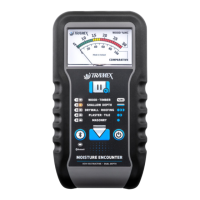
Do you have a question about the TRAMEX MEP and is the answer not in the manual?
Indicates all LEDs flash when the unit is powered up, suggesting a potential issue.
Low battery warning means the unit needs replacement with an Alkaline battery soon.
Troubleshooting step for when a single LED flashes and the meter display is frozen.
Procedure for releasing the MEP unit when it is in HOLD mode.
Provides a link and QR code to access the complete User Guide for the device.
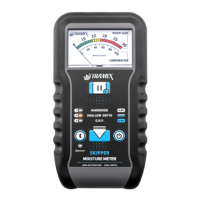
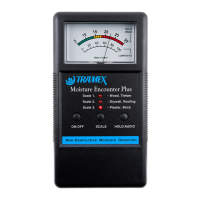
Instructions on how to power on the device and select the required measurement scale.
Guidance on pressing the MEP device against the material surface for readings.
Details on how to freeze readings using HOLD/AUDIO and toggle the audio signal.
Explains the upper scale for indicating moisture content (%) of wood products.
Describes the lower scale as comparative for recording and comparing moisture in other materials.
Information on obtaining warranty online via registration on the Tramex website.
Recommends annual calibrations and mentions the availability of Calibration Check Boxes.
 General
| Brand | TRAMEX |
|---|---|
| Model | MEP |
| Category | Measuring Instruments |
| Language | English |

 To Next Page