CVGF-SVU02B-E4
41
Unit Control
Panel (UCP)
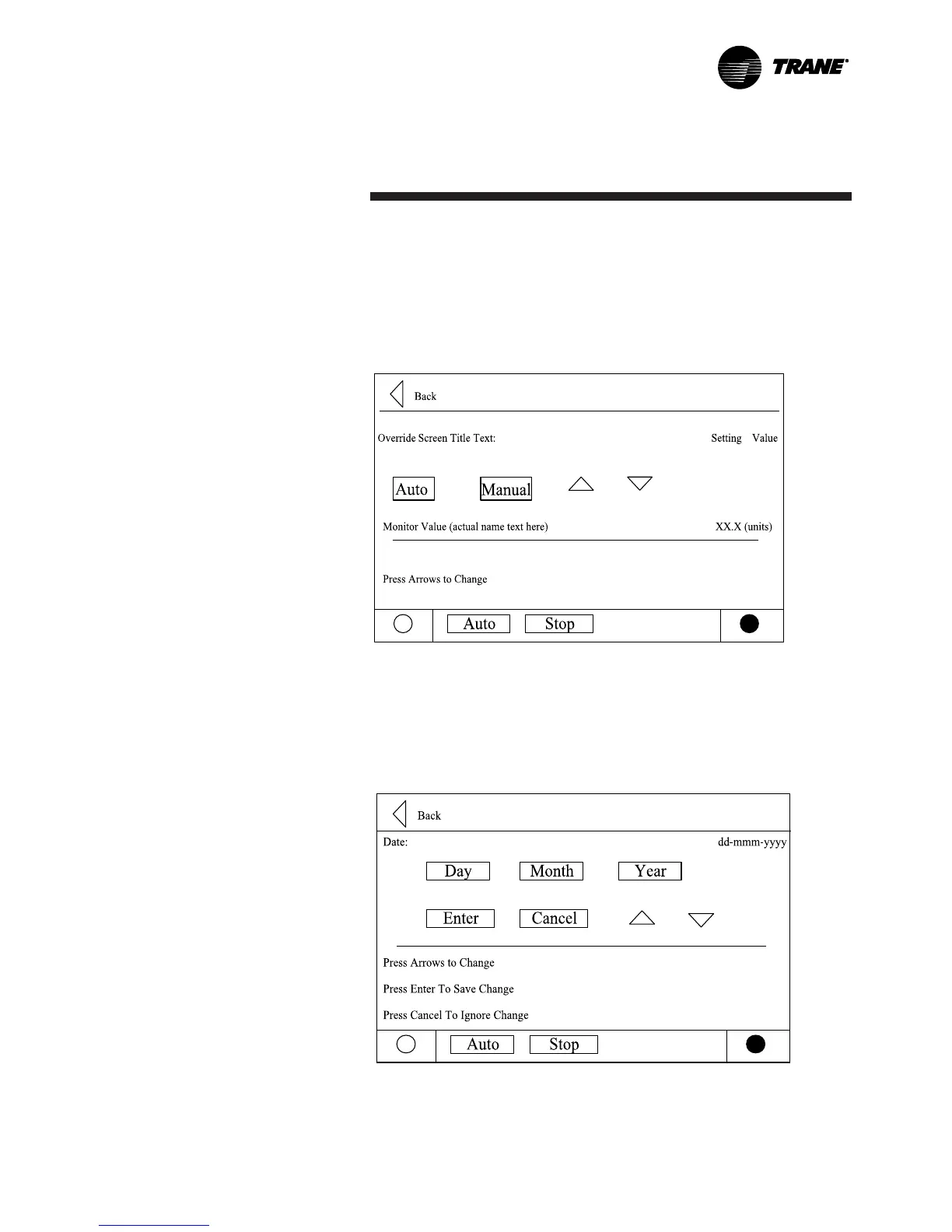
The mode override analog setting subscreen is similar but offers an
Auto or Manual radio button and value setting. An Auto or Manual
selection is necessary set to the mode to override. An Enter and
Cancel Key will allow the user to Enter or Cancel the entry.
Mode Override for Analog Settings is shown below:
The date setpoint screen for setting up the is shown below: The user
must select Day, Month, or Year and then use the up or down arrows
to adjust.


 To Next Page