CVGF-SVU02B-E4
43
Unit Control
Panel (UCP)
The DynaView
™
Display Touch
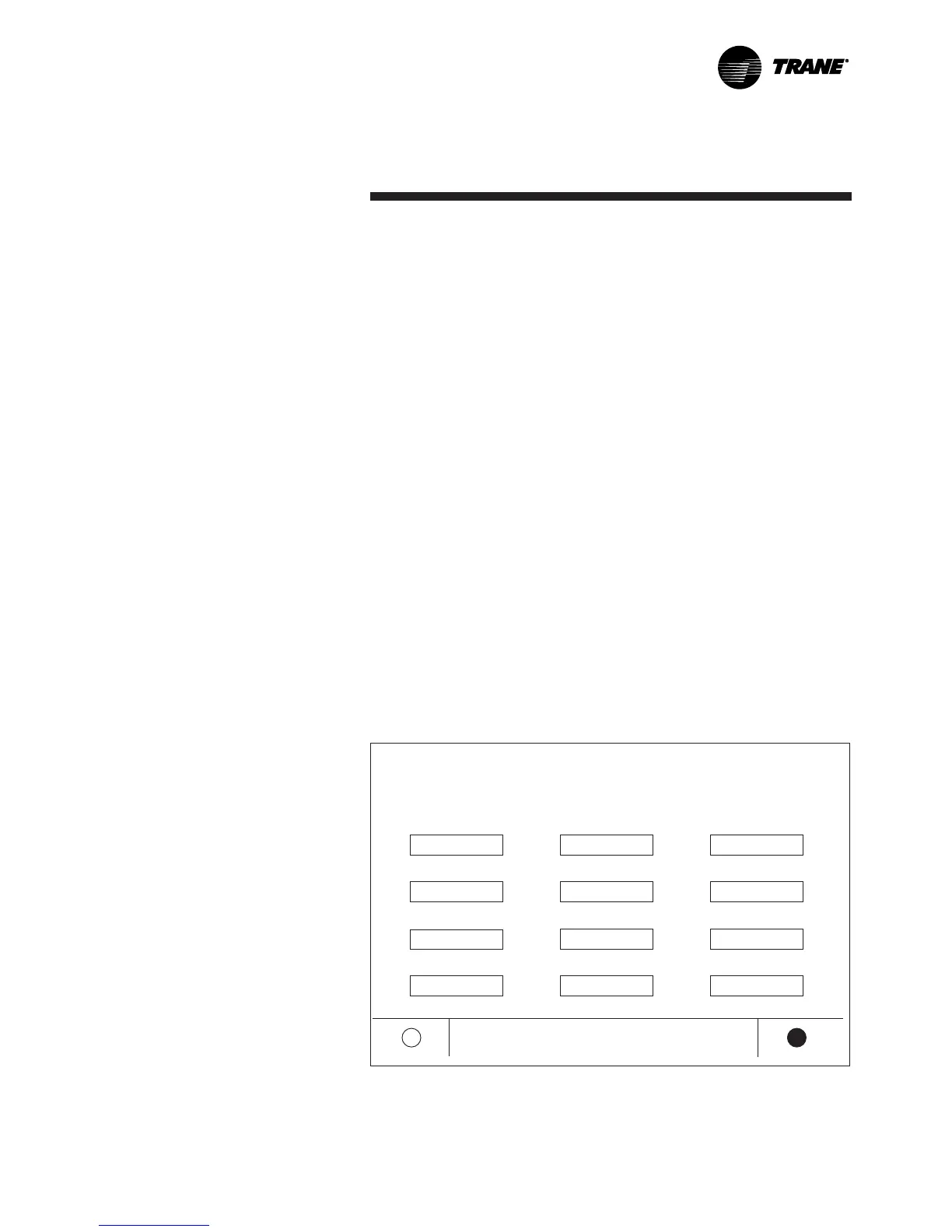
Screen Lock screen is shown
below. This screen is used if the
Display and Touch Screen Lock
feature is enabled. 30 minutes
after the last key stroke this
screen will be displayed and the
Display and Touch Screen will be
locked out until “159 Enter” is
entered.
Until the proper password is
entered there will be no access
to the DynaView
™
screens
including all reports, all
setpoints, Auto, Stop, Alarms,
and Interlocks. The password
“159” is not programmable from
either DynaView
™
or TechView
™
.
If the Display and Touch Screen
Lock feature is disabled, the
following screen will be
automatically shown if the MP
temperature is below 32°F (0°C)
and it has been 30 minutes after
the last key stroke. Note: the
main processor is equipped with
an on-board temperature sensor
which enables the ice protection
feature.
1 2 3
4 5 6
7
8 9
Enter Cancel
DISPLAY AND TOUCH SCREEN ARE LOCKED
ENTER “159 Enter” TO UNLOCK


 To Next Page