11/29/2009
4
Planning your installation
Ideally your Home Server should be located in open space, ie a desk, shelf etc. If you plan to install it into a
small space (cupboard) then please ensure there is suitable ventilation. You will need a near-by mains power
outlet, and a wired LAN (Ethernet) connection to the router.
There is a quiet fan in the Home Server, to move cool air over the internal components. The Home Server is
very quiet, but we recommend that it should not be installed in ‘quiet rooms’ such as a bedroom.
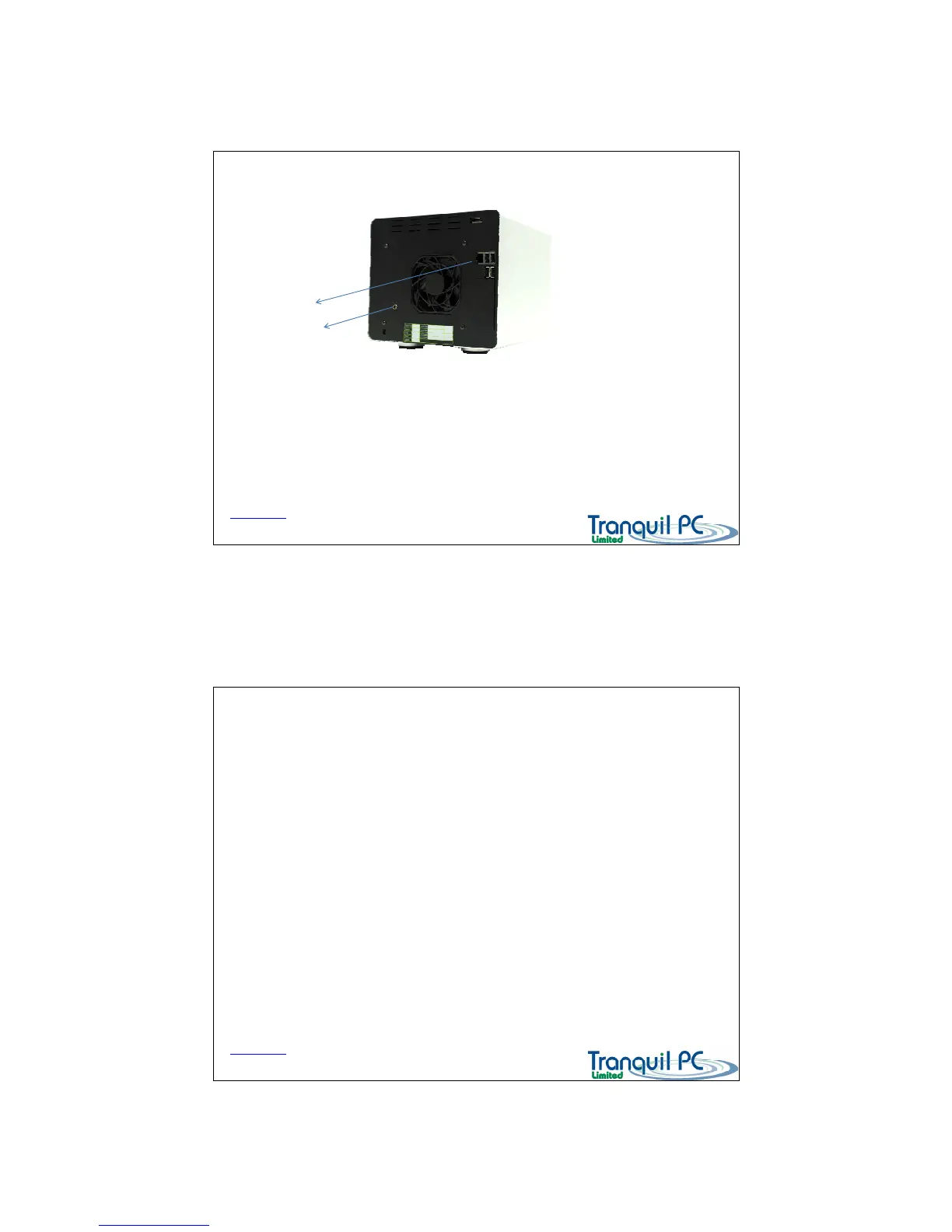
Connecting up
D03_ WHS_PP1_UK
1) Ethernet cable
To your router
2) 12V Power Plug
To your Power supply
Back to Index page
Initialising your Home Server
D03_ WHS_PP1_UK
Once your Home Server is plugged into your home network, and powered up, it is ready to be
initialised. This process only takes place once. It will take approximately 10 -15 minutes to complete.
You will need you COA licence number – which is found on the label on the back of the Home Server
(you can enter the COA number at a later time, if it is helpful).
To start the process – please run the option from the start up CD – Initialise your Home Server.
It is advisable to check that any installed firewall software on your PC does not stop the process.
Please accept any firewall prompts to trust the Home Server Connector software, or add Home Server
Connector software to the trusted applications list of your firewall software.
Back to Index page


 To Next Page
 Loading...