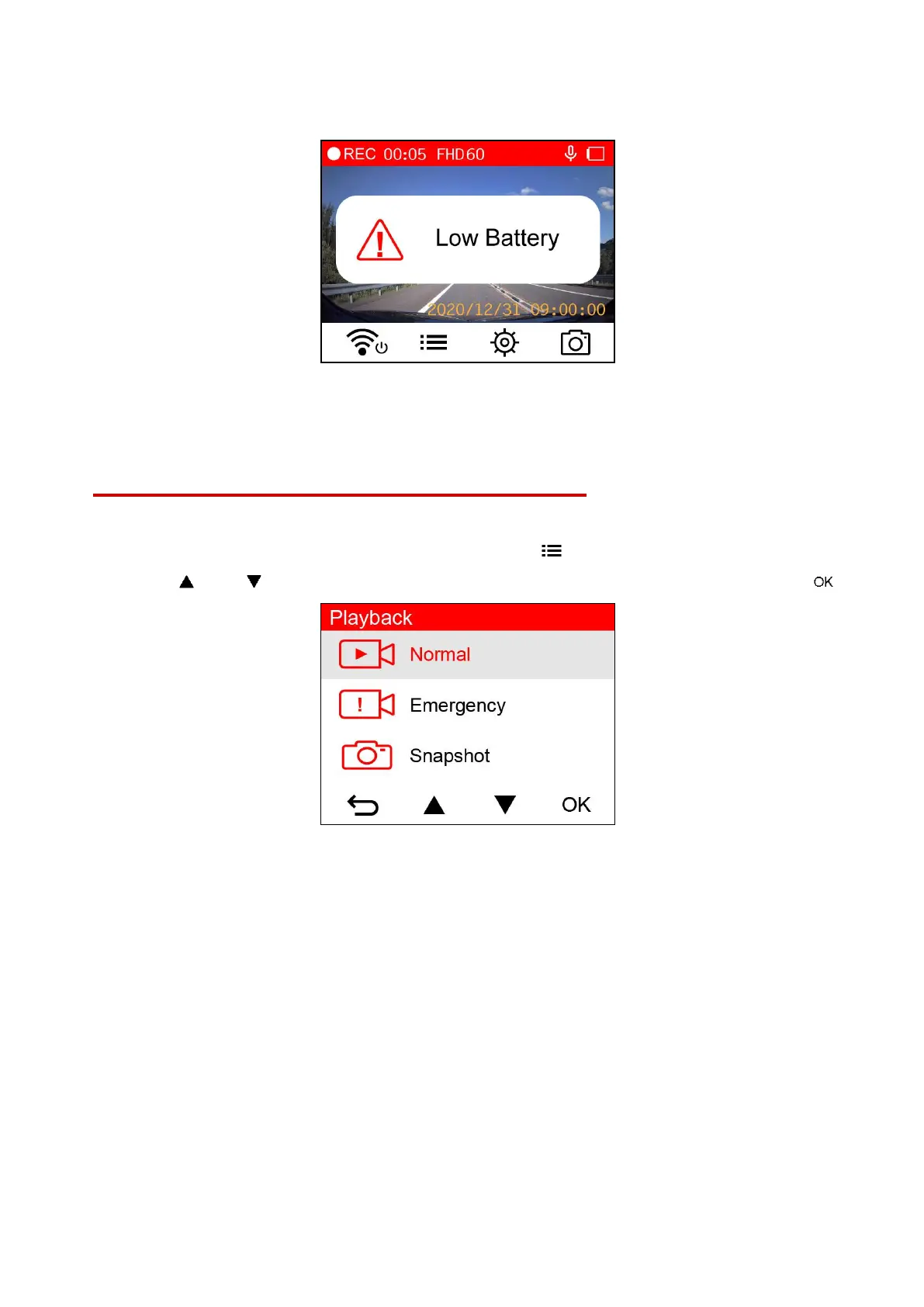
Low Battery
Please charge the DrivePro immediately after viewing the Low Battery warning to avoid errors
happening to the system time. Please avoid using the built-in battery to record videos directly.
Note: If you want to record by the built-in battery, please make sure that it has a sufficient power
supply.
5. Playing Videos and Browsing Photos
5-1 Playing Videos / Browsing Photos
1. During video recording, press the Browse button .
2. Use / to select either Normal, Emergency or Snapshot, and press .















 To Next Page