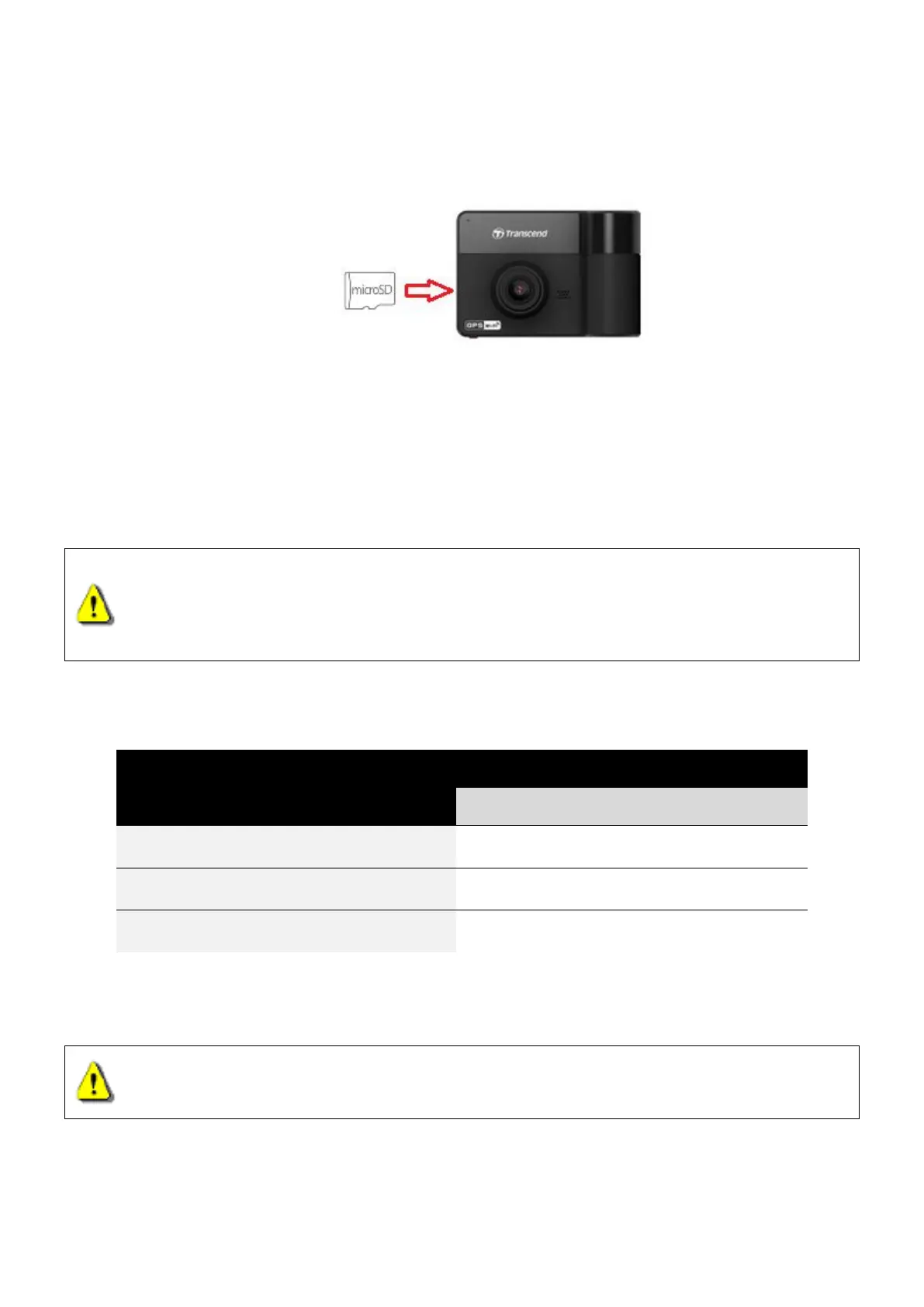
3-2 Inserting a microSD Memory Card
You must insert a microSD memory card into the DrivePro before you can start recording. Please
use a microSD memory card with 8GB to 128GB capacity (Class 10 or above).
1. Insert a microSD memory card into the appropriate card slot on the bottom of the DrivePro.
Note: Always format new memory cards in the DrivePro before using them for the first time.
To format a new memory card, press the Settings button during recording, and select
Format Card.
Format your memory card on a regular basis. For the best recording stability, you are
encouraged to format the microSD card regularly.
WARNING:
1. DrivePro 550B supports the FAT32 and exFAT file formats, but not NTFS.
2. Make sure the allocation Unit Size of the microSD card is 32 KB or larger; if not, the
DrivePro will format the card before recording.
The following table shows approximate recording time according to capacity and resolution
(for reference only):
Full HD 1080P 60fps + 1080P 30fps
Full HD 1080P 30fps + 1080P 30fps
HD 720P 30fps + 720P 30fps
2. To remove, push to eject the memory card out of the slot.
WARNING: Do not remove the memory card during shutdown to avoid damages to the
memory card and loss of recorded videos.















 To Next Page