11
2.2 Getting Started
Please follow the procedure step by step.
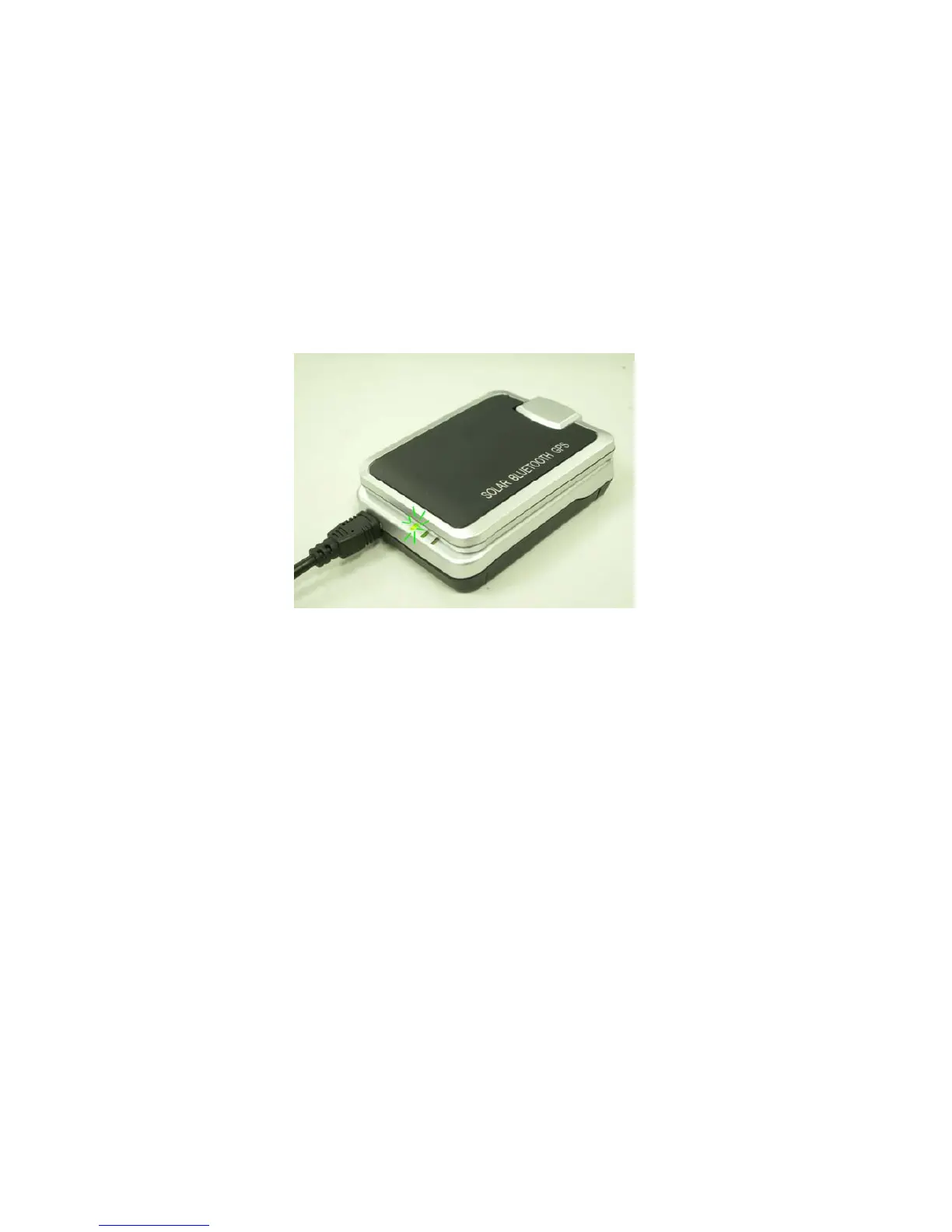
Step 1 Charging Your Battery
To charge your iBT-GPS data logger, you have to plug your USB cable
into the power source. Charging time is about 3~4 hours and you can
charge from PC/ Notebook’s USB HOST or from cigarette-lighter in car.
For the 1st time you use the iBT-GPS, please charge battery until it is full
(the green LED blinks). The LED that represents the battery is the
left-most battery icon (shown in below).
- If the LED is red, that means battery power is critically low. Charge immediately.
- If the LED is green, that means battery is charging now.
- If the green LED is blinking, that means battery is fully charged.



 To Next Page