12
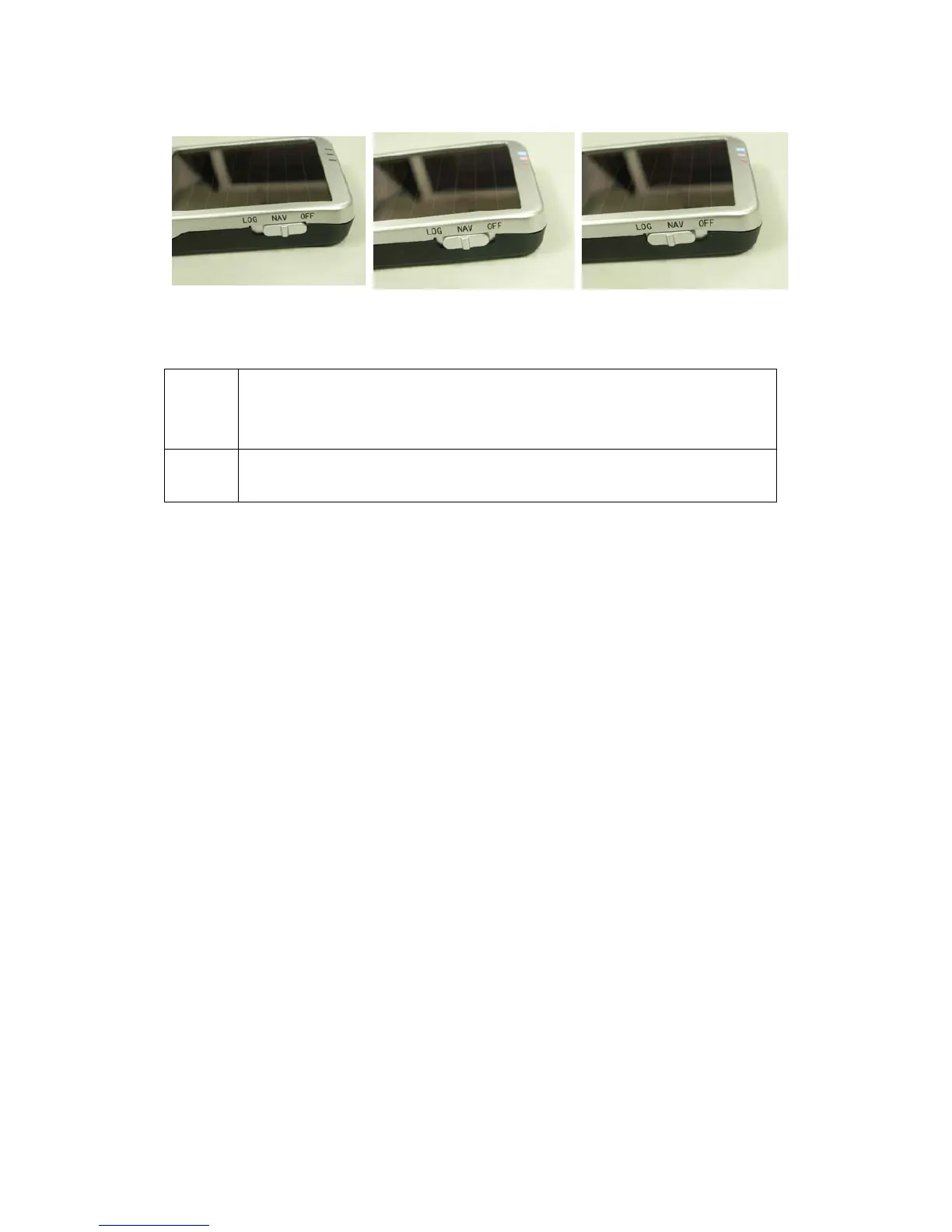
Step 2 Turning on the power switch (NAV/ LOG)
Power off Navigation Data record
Difference between NAV and LOG:
NAV You can use the iBT-GPS as a Bluetooth GPS receiver to
navigate when you have a Bluetooth enabled PDA/
Smartphone in your car. But the logging is off.
LOG In this mode iBT-GPS works as a logger, navigation function is
supported as well.
**For further function to download your routes to PC, please refer to
Chapter 3.
Step 3 Connecting your handheld device with iBT-GPS
Please refer to the user manual of PDA to enable the Bluetooth
connectivity. If the connection between your device and iBT-GPS is
successful, the blue LED of iBT-GPS will be blinking.
Below, we provide a common procedure of software installation to set up



 To Next Page