23
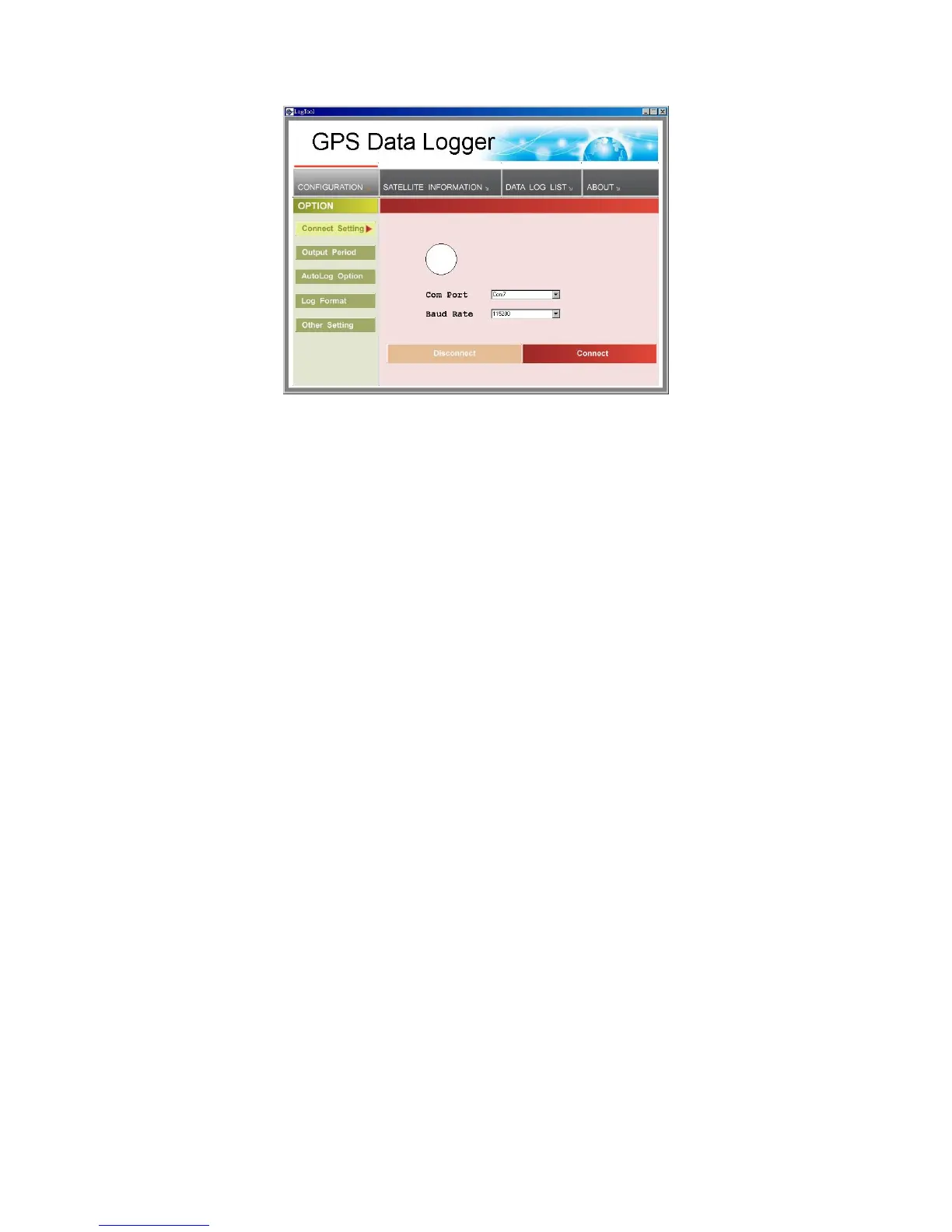
1. Please go to”device manager” and find out the Virtual Com Port
number of iBT-GPS data logger (check Virtual Com Port number of
iBT-GPS data logger)
2. Select correct Port (COM7 used in this example) and set BaudRate at
a fixed 115200. Then click on “Connect” to build a connection. GPS
status in the “SATELLITE INFORMATION” section will start to show
when you click on it.
Note: Please remember to plug in the USB cable to connect your PC and
iBT-GPS
3. To stop connection anytime, just click on “Disconnect”.



 To Next Page