4
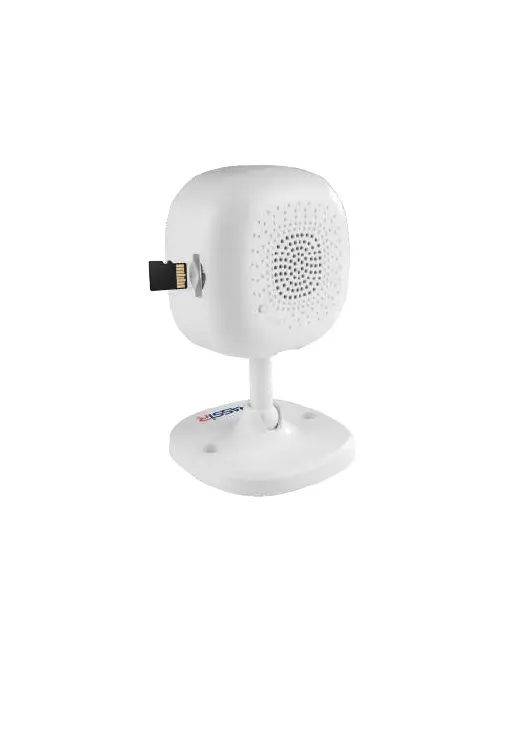
MicroSD connection
MicroSD card installation
Insert the MicroSD card (up to 128 Gb) into the slot till it
goes click.
MicroSD is available for record. The camera starts the
default recording to the MicroSD card when it detects
motion. Use the TRASSIR Client mobile application for
viewing the archive from the SD card.
*Camera needs to be connected to the TRASSIR Cloud service according to the
existing tariff plans ( https://trassircloud.com/#o5 )


 To Next Page