
 Need help?
Do you have a question about the Treasure Garden luna and is the answer not in the manual?
Connect power supply to charging port and 110V source. Charge for 2-4 hours until indicator light turns off.
Turn on Bluetooth on Luna, press button for 3s. On device, find and select "LUNA" to pair.
Disconnect current device via its settings or hold Luna's Bluetooth power button for 2 seconds to unpair.
Press and hold the Bluetooth power button for 4 seconds to turn off the Luna device.
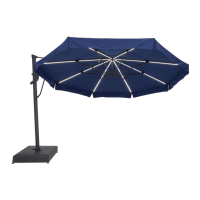
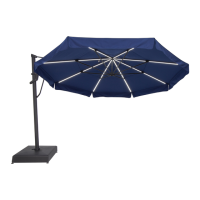
Press the dedicated LED light power button to turn the lights on and off.
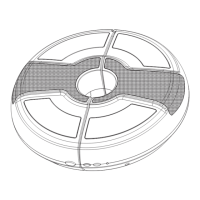
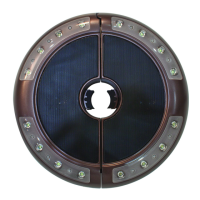
Open Luna using unlock button, clasp around umbrella pole or adapter, and snap to close securely.
Position away from sun/moisture, avoid overcharging, air dry if exposed to moisture. Use power supply indoors only.
The Luna is not waterproof; immersion or heavy rain will cause damage and void warranty.
Use only the provided power supply. It may become warm during use; avoid moisture.
1-year limited warranty against defects for residential use. Contact dealer for service.
Excludes rust, abusive use, neglect, or acts of nature. Tampering voids warranty.
 General
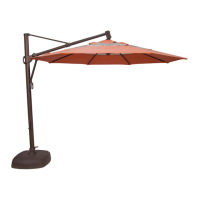
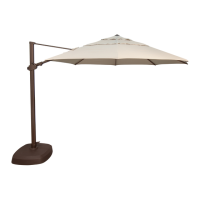
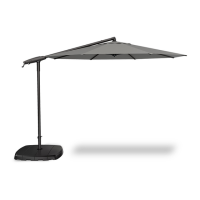
| Lift | Crank Lift |
|---|---|
| Ribs | 8 |
| Frame Material | Aluminum |
| Shape | Round |
| Rotation | 360 Degree Rotation |
| Pole Finish | Powder Coated |
| Sizes | 10' |
| Color Options | Multiple |




 To Next Page
