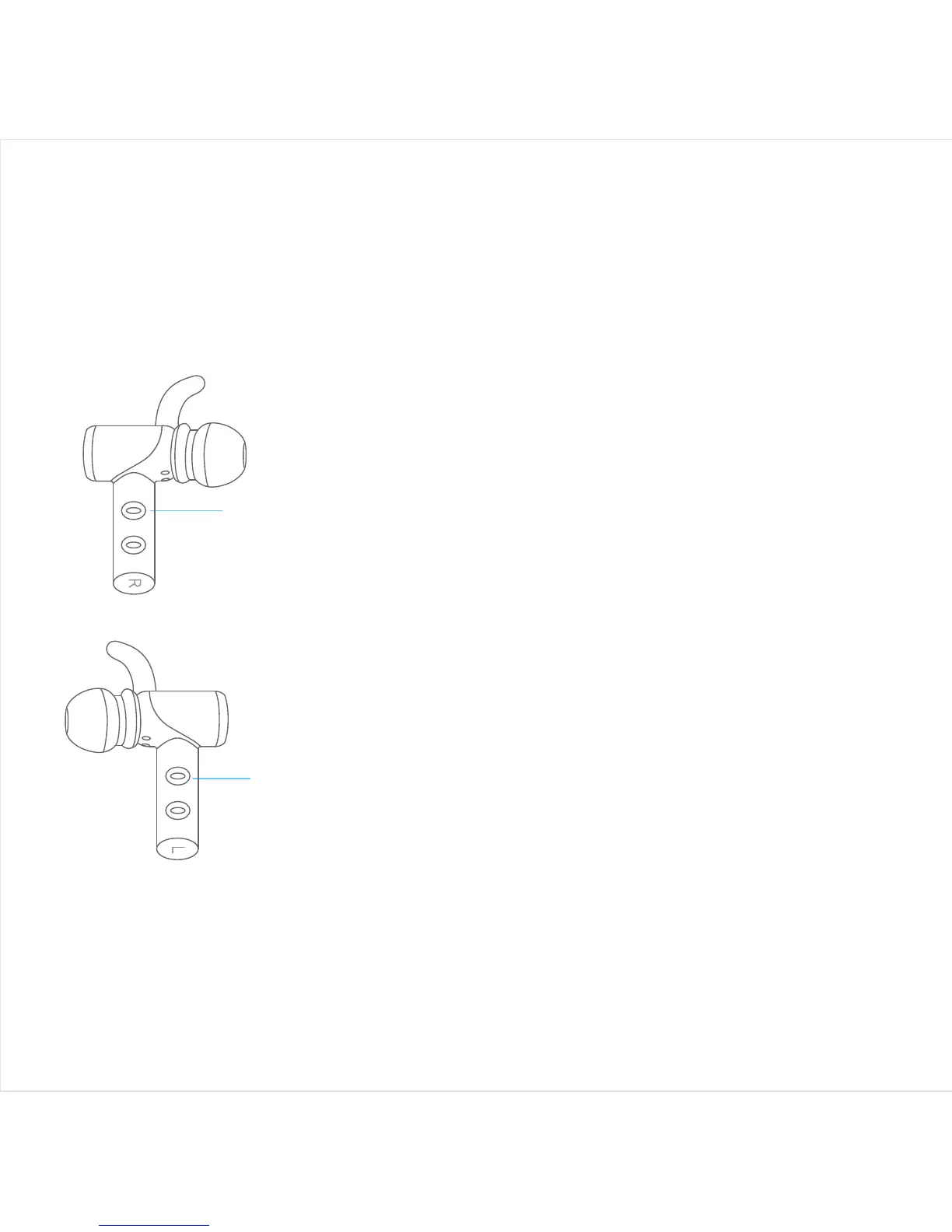
Right earbud
power button
Right
Left
Left earbud
power button
Turning the earbuds ON/OFF
1. Turn ON - Long press the POWER button
for 1 second. You will hear “Power ON”
voice prompt, blue LEDs will start flashing.
2. Turn OFF - Long press the POWER
button for 4 seconds. You will hear “Power
OFF” voice prompt, red LEDs will light up
for 1 second and then go off.
3. Put the earbuds to the charging dock,
they will turn OFF automatically.
4. Take the earbuds out from charging
dock, they will turn ON automatically.



 To Next Page