EasyManua.ls Logo

TREBLAB X3 Pro - Troubleshooting TREBLAB X3 Pro; Pairing Issues; Disconnection and Noise

TREBLAB X3 Pro
25 pages
Print Icon
To Next Page IconTo Next Page
To Previous Page IconTo Previous Page
Loading...
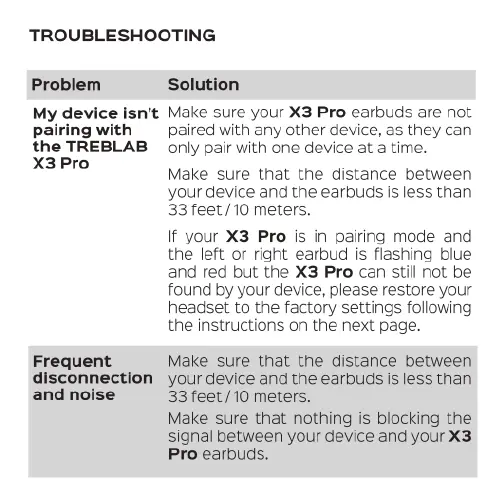
TROUBLESHOOTING
Problem
My
device
isn't
pairing
with
the
TREBLAB
X3
Pro
Frequent
disconnection
and
noise
Solution
Make
sure
your
X3
Pro
earbuds
are
not
paired
with
any
other
device,
as
they
can
only
pair
with
one
device
at
a
time.
Make
sure
that
the
distance
between
your
device
and
the
earbuds
is
less
than
33
feet
/10
meters.
If
your
X3
Pro
is
in
pairing
mode
and
the
left
or
right
earbud
is
flashing
blue
and
red
but the
X3
Pro
can
still
not
be
found
by
your
device,
please
restore
your
headset
to
the
factory
settings
following
the
instructions
on
the
next
page.
Make
sure that
the
distance
between
your
device
and
the
earbuds
is
less
than
33
feet
/10
meters.
Make
sure
that
nothing
is
blocking
the
signal
between
your
device
and
your
X3
Pro
earbuds.

Related product manuals